
iZotope Nectar 4 is the vocal production suite that’s been quietly shaping how producers approach vocals for over a decade, and the jump from Nectar 3 to Nectar 4 is the most substantial update the plugin has seen in years. I mean, if you’ve been producing vocals seriously in the last few years, you’ve probably bumped into Nectar in someone’s session, on a tutorial, or as part of a larger iZotope bundle.
It’s one of those tools that earned its reputation by being genuinely useful rather than just marketed heavily.
What makes Nectar 4 different from the usual vocal chain plugin is the way the Vocal Assistant handles the initial heavy lifting for you. You play your vocal, it listens, and it builds a complete chain tailored to what it actually hears in the signal, dynamics, tonal balance, problem frequencies, the whole picture.
I’d say this is where the plugin genuinely earns its price, because getting to a decent vocal sound in seconds means you can spend the rest of your time refining rather than starting from zero every time.
Is Nectar 4 worth it? In my opinion, yes, especially if you work on vocals regularly and want a cohesive toolkit that covers everything from pitch correction to spatial placement without jumping between five different plugins.
It’s not going to replace a mastering-grade chain or the specific character of dedicated hardware emulations, but for day-to-day vocal production, you get a serious amount of capability for the money, and the AI-driven workflow genuinely saves time rather than being a gimmick.
From the Pluginerds Store
A quick mention: alongside the blog, we run Pluginerds Shop, our own store for studio hardware and accessories. Everything on it is there because someone on this team actually uses gear like it, not because it was the cheapest thing to list.
Visit Pluginerds ShopWhat’s New in Nectar 4
The overall architecture will feel familiar if you’ve used Nectar 3, but nearly every module has been rebuilt or meaningfully updated. The Vocal Assistant has been massively expanded, now giving you more control over the direction it takes, whether you want a vintage sound, a modern pop chain, or something more aggressive and present.
A few of the most notable upgrades worth calling out:
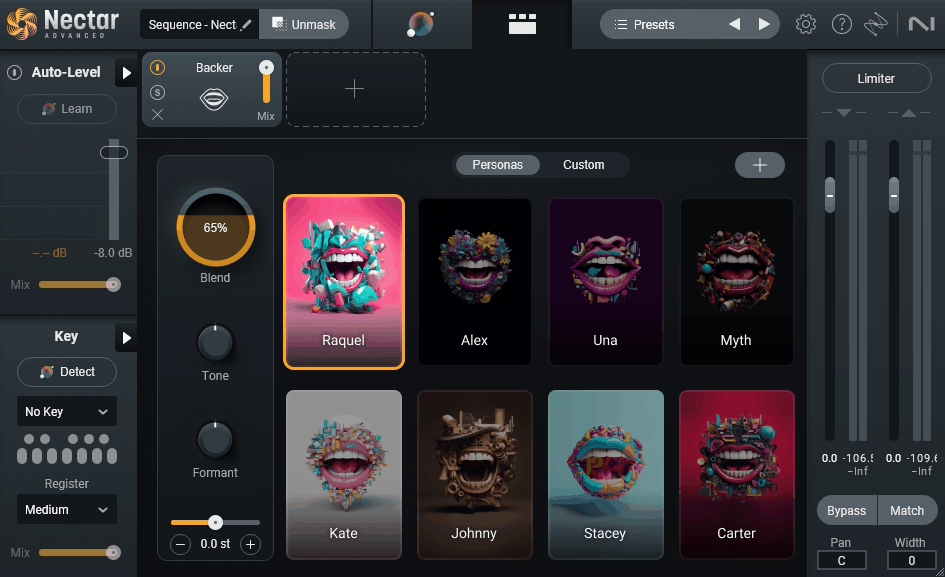
- Backer module:
Generates vocal harmonies and doubles from your lead vocal in a way that actually sounds musical rather than robotic, which has historically been the problem with most plugin-based harmonizers.
- Auto-Level:
Automatically rides the vocal level in real time, smoothing out performance inconsistencies before they ever hit the compressor, which saves you a lot of manual clip-gain work.
- Breath Control:
Intelligently detects and reduces distracting breaths between phrases without killing the natural feel of the performance.
- Redesigned Equalizer:
An 8-band dynamic EQ with analog, digital, and vintage modes, all with visual feedback that makes the processing decisions more transparent.
- Updated Reverb:
Redesigned vocal-tuned algorithms that sit better in a mix without cluttering the low-mids. I found the improvements meaningful rather than cosmetic. Each module feels like it was reconsidered from the ground up rather than just given a new coat of paint.
Get the Free Plugin Starter Kit
The genuinely useful free DAWs and plugins worth installing. No filler. Straight to your inbox.
Assistant & Detailed View
Nectar 4 is built around two primary views that serve genuinely different workflows, and you’ll end up switching between them depending on the stage of the production you’re in.
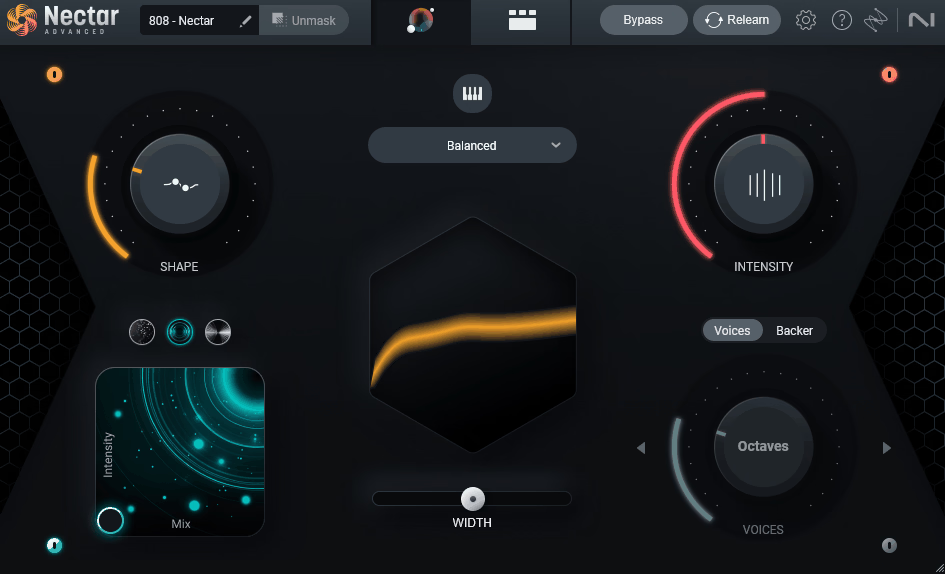
The Assistant View is where most producers will start. It’s a streamlined interface focused on the output of the Vocal Assistant, giving you high-level controls like tonal balance, dynamics intensity, reverb amount, and vibe sliders that adjust the entire chain behind the scenes.
I like how this view keeps you focused on the result rather than the individual processing decisions, which is especially useful when you’re in a creative flow and don’t want to get lost in knob-turning.
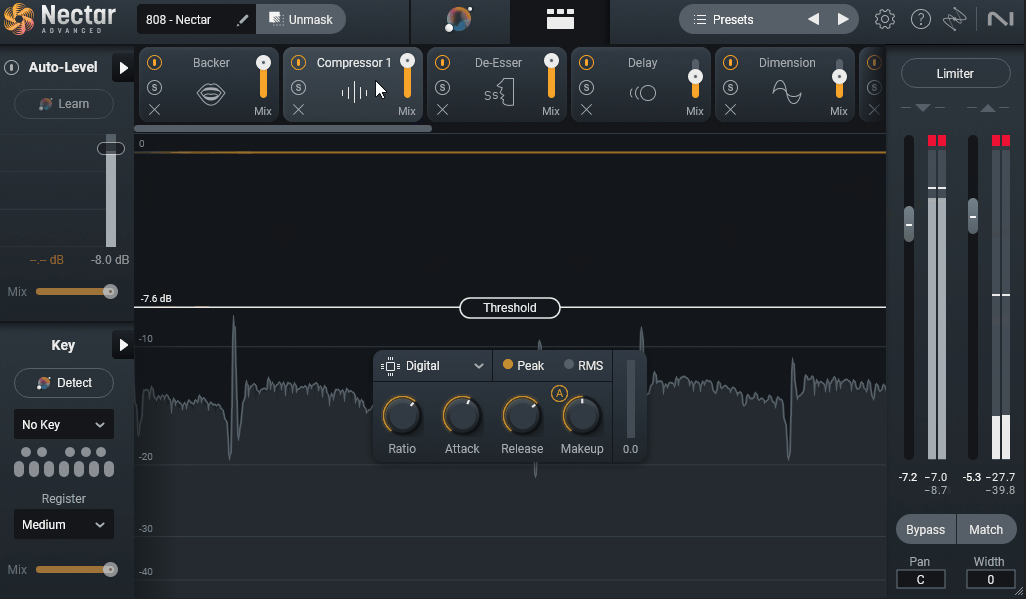
The Detailed View is where the full module chain lives. This is where you go when you want to actually see every processor, adjust individual parameters, reorder modules, and fine-tune the chain the Assistant built for you.
I think the split between these two views is one of the smartest design decisions in the plugin, because it means Nectar 4 works equally well for producers who want speed and producers who want depth. You can start in Assistant View, get a working chain in under a minute, and then switch to Detailed View to dial in the specifics.
“You play your vocal, it listens, and it builds a complete chain tailored to what it actually hears.”
The Core Modules
Nectar 4 ships with a deep set of modules that cover pretty much every vocal processing scenario you’d realistically encounter. Each one is designed specifically for vocal work rather than being a general-purpose processor dropped into a vocal plugin.
- Equalizer
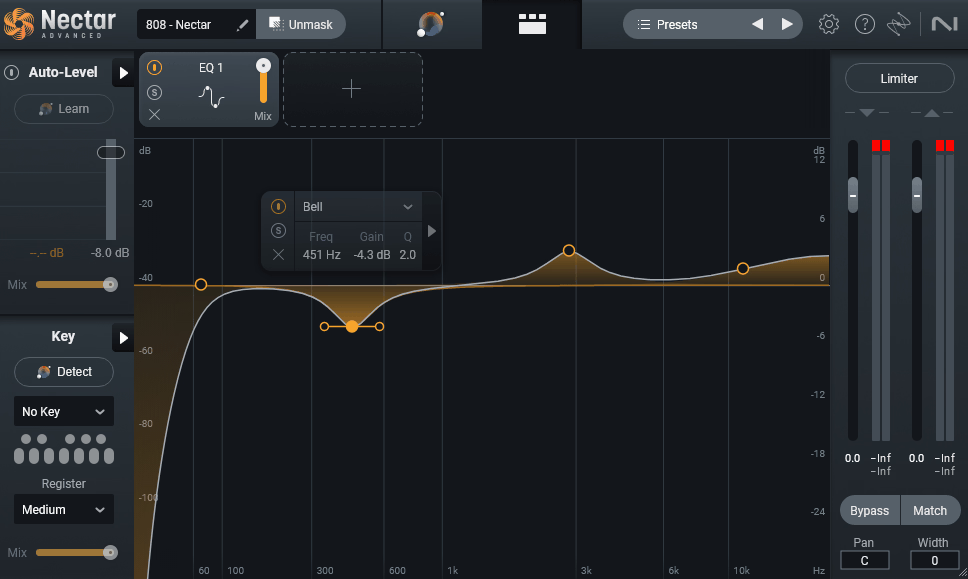
The Equalizer is an 8-band dynamic EQ with analog, digital, and vintage modes. You can work surgically or musically depending on the mode, and I appreciate that each band can operate as static or dynamic without switching tools.
The visual feedback is detailed enough to actually teach you something about the vocal as you work on it, which is useful whether you’re a beginner learning to hear frequencies or a seasoned engineer wanting confirmation of what your ears are telling you.
- Compressor
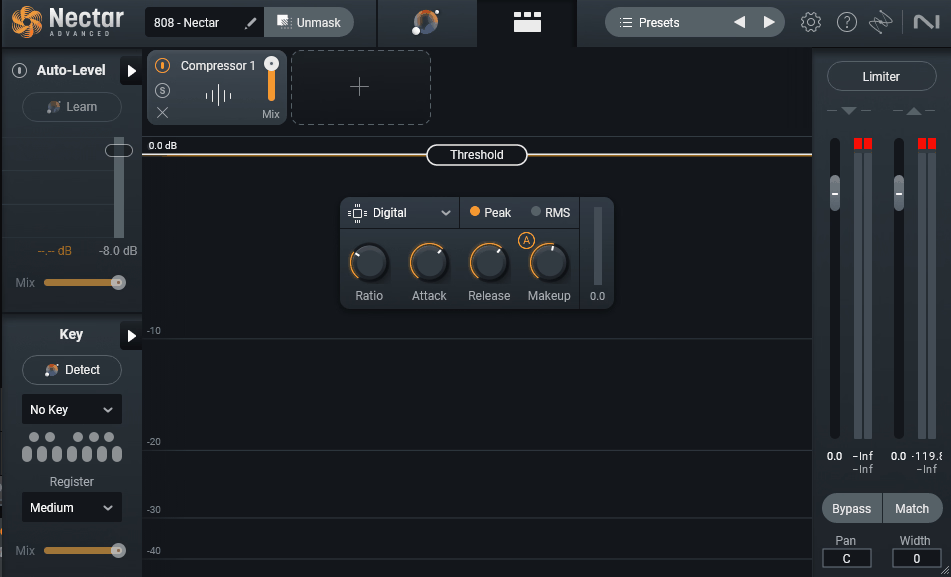
Two Compressor modules handle dynamics, with selectable analog character and a parallel mix control that lets you blend aggressive compression with the natural signal. The analog mode adds a subtle harmonic density that makes vocals feel more present without getting pumpy or obvious.
I’ve found this particularly useful on modern pop vocals where you want consistency without losing the breath and texture of the take.
- DeEsser
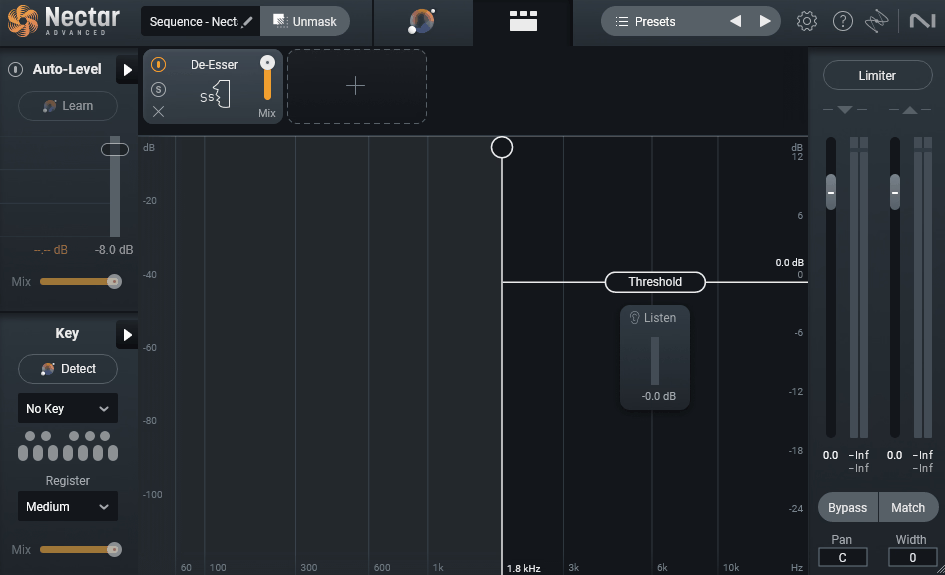
The DeEsser module is dynamic and frequency-specific, targeting sibilance without dulling the top end of the vocal. The detection is accurate enough that you rarely need to ride it manually, and it handles tricky vocals with variable sibilance (common with female vocalists or close-mic’d recordings) better than most standalone de-essers I’ve used.
- Pitch
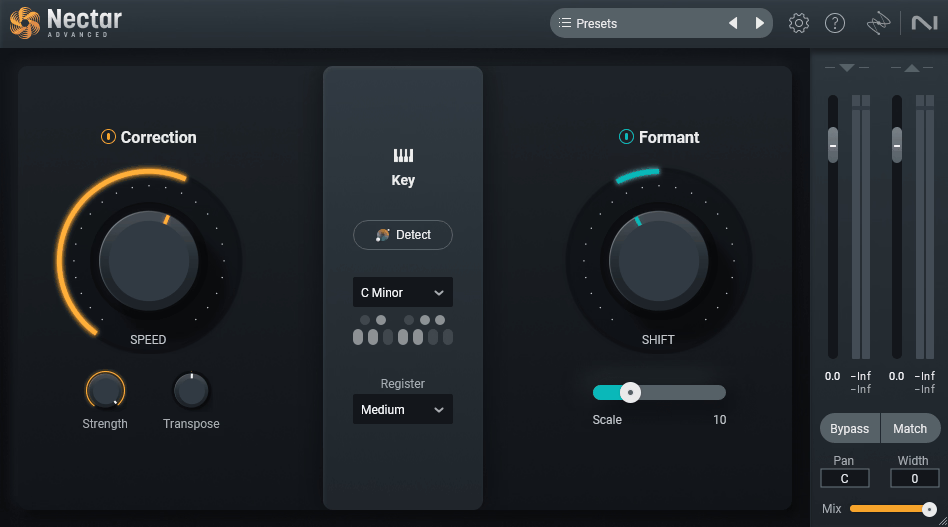
The Pitch module handles pitch correction with three modes that each serve a different purpose. Natural mode is your automatic corrector for subtle cleanup, useful when you just want to tighten up intonation without making the vocal sound processed.
Manual gives you more direct control over correction strength and retune speed, and the graphical note-by-note editor opens up for precise shaping on individual words. I’d say the results are comparable to the leading pitch correction tools for most production scenarios, though dedicated tools like Melodyne still have an edge for extreme pitch manipulation or complex timing corrections.
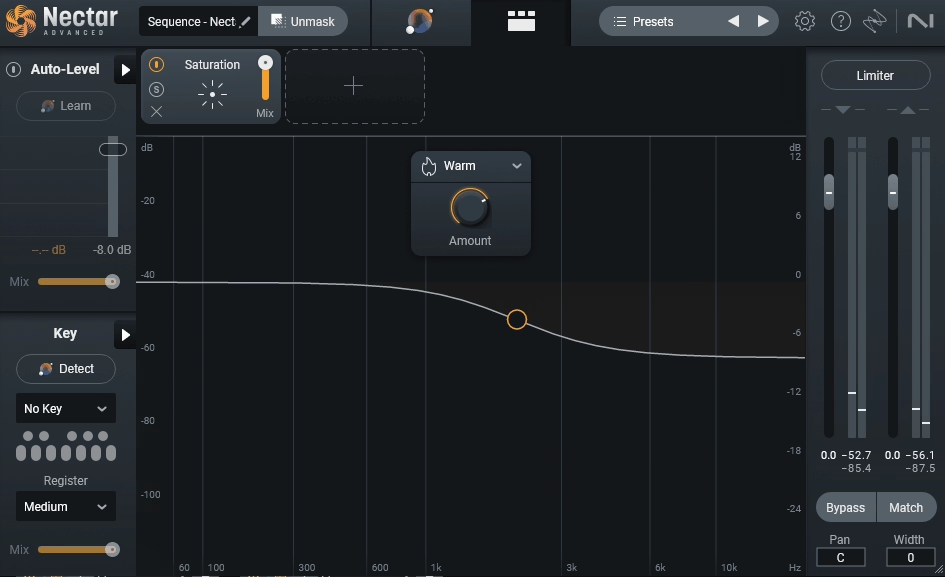
- Saturation
Saturation adds analog-style harmonic coloration with tube, tape, and warm modes. The tube mode adds rich, thick harmonics that work well on vocals that feel thin or clinical, while the tape mode adds subtle compression and high-frequency smoothing.
I found the warm mode particularly musical on male vocals that needed chest and body without getting muddy.
- Voices
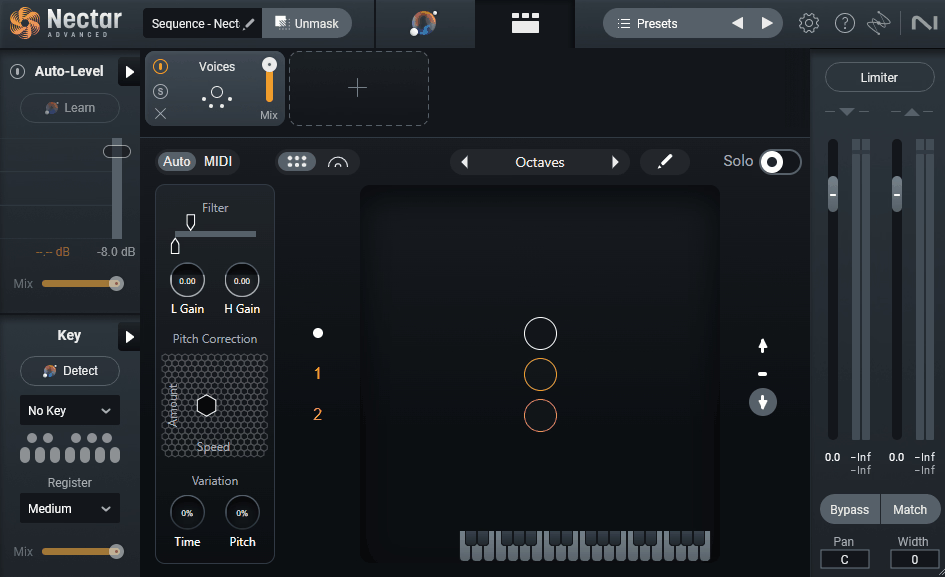
The Voices module is a significant addition, generating up to four voices of intelligent harmony based on your input melody and key. You feed it the scale, the harmony intervals you want, and it generates the voices in real time with formant-aware processing that keeps the harmonies sounding like actual voices rather than pitch-shifted artifacts.
I’ve been genuinely impressed with how usable the results are straight out of the box.
- Backer
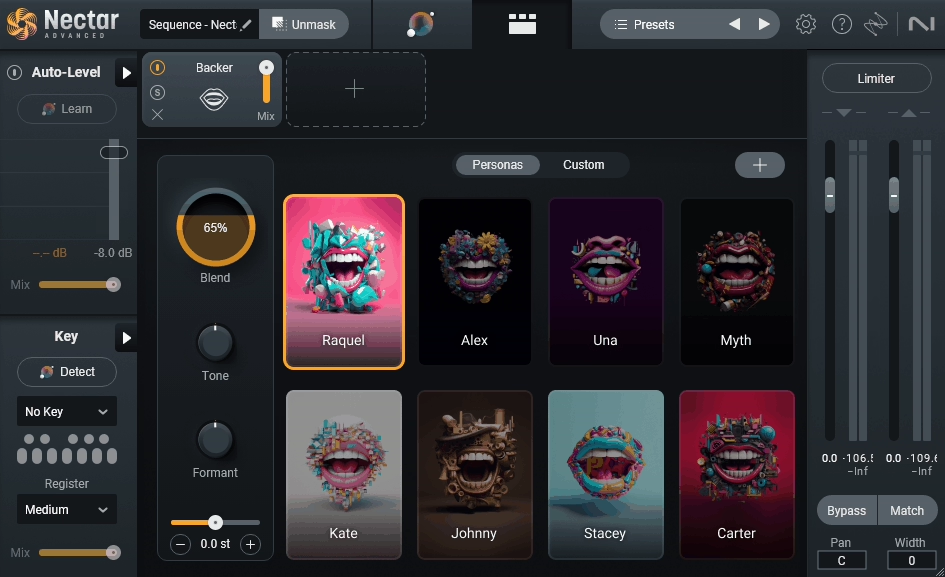
Backer is one of my favorite new modules. It creates vocal doubles and harmonies from your lead vocal with a level of musicality that plugin-based doublers have historically struggled with.
The processing introduces subtle variations in timing, pitch, and formant between the doubles so they feel like separate takes rather than cloned copies of the original. For home producers who can’t easily record multiple vocal takes, this opens up a lot of production possibilities.
- Breath Control
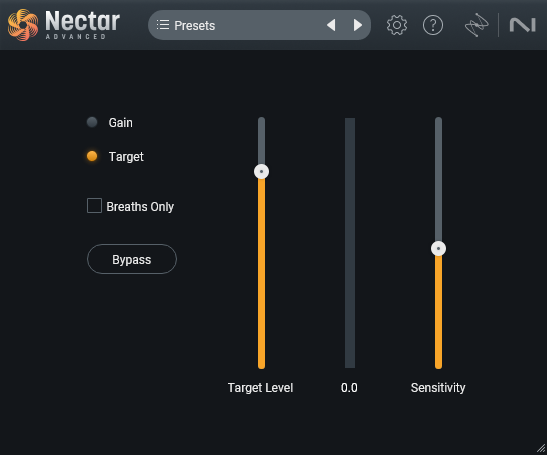
The Breath Control module automatically detects breaths between phrases and reduces them to a more tasteful level. You can set the reduction amount and let it work across the entire vocal track, which saves the tedious manual work of going in and editing every breath by hand.
It’s the kind of feature that sounds small but saves real time in every vocal session.
- Auto-Level
Auto-Level is another workflow accelerator. It rides the vocal level in real time before the compressor, smoothing out performance inconsistencies and reducing the amount of work the compressor has to do.
The result is a more natural-sounding compressed vocal because the compressor isn’t fighting huge dynamic swings. I’ve noticed the vocal sits more consistently in the mix with less effort when Auto-Level is engaged.
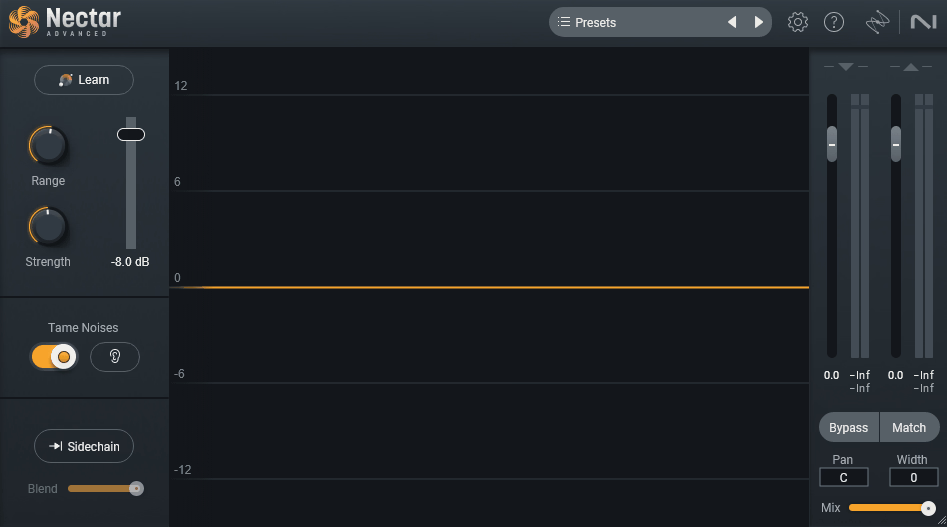
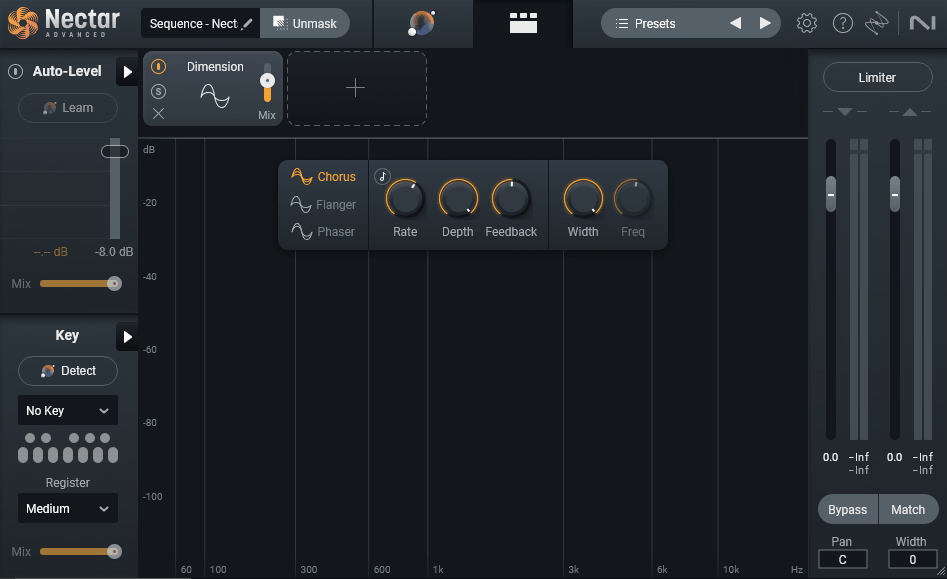
- Dimension
Dimension handles stereo widening and depth placement without the phase issues that traditional stereo wideners introduce. You get controls for width and depth, and the processing maintains mono compatibility, which matters if your tracks will be heard on phone speakers, club systems, or any mono-summed playback environment.
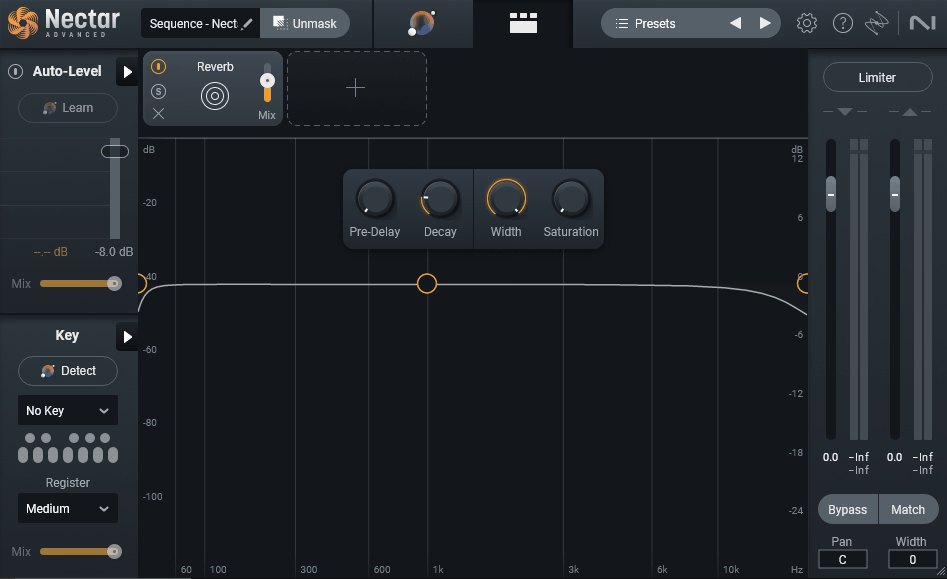
- Reverb
The Reverb module includes plate, hall, and room algorithms tuned specifically for vocals. I love how the plate algorithm handles vocals, it has a silky top end that sits nicely in a mix without getting cluttered, and the room algorithm is useful for adding subtle ambience without committing to an obvious reverb tail.
The hall mode covers the larger spaces for vocals that need drama or scale.
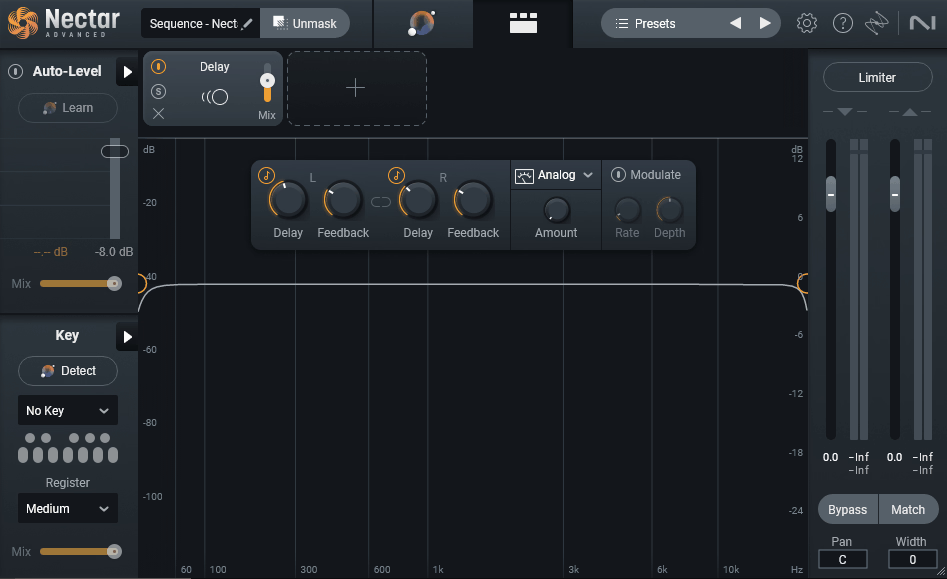
- Delay
Delay is tempo-synced with modulation and feedback filtering options, which lets you create everything from subtle slapback to heavily modulated dub-style delays. The filtering on the feedback loop is particularly useful for keeping repeats from cluttering the mix as they decay.
Sound Character
Nectar 4 sits in the space between transparent and character-driven, which I think is actually the right zone for a vocal suite. The default processing doesn’t impose a specific color on the vocal the way some vintage-modeled plugins do, but you can dial in warmth, grit, or analog density through the saturation module and the analog modes in the EQ and compressor if that’s what the vocal needs.
I’ve found the compressors in particular to be quite musical. The analog mode adds a subtle harmonic density that makes vocals feel more present without getting pumpy or obvious, and the parallel mix control lets you blend in aggressive compression while keeping the natural dynamics of the performance intact.
It’s the kind of processing that works well on modern pop vocals where you want presence and consistency without losing the breath and texture of the take.
Integration with the iZotope Ecosystem
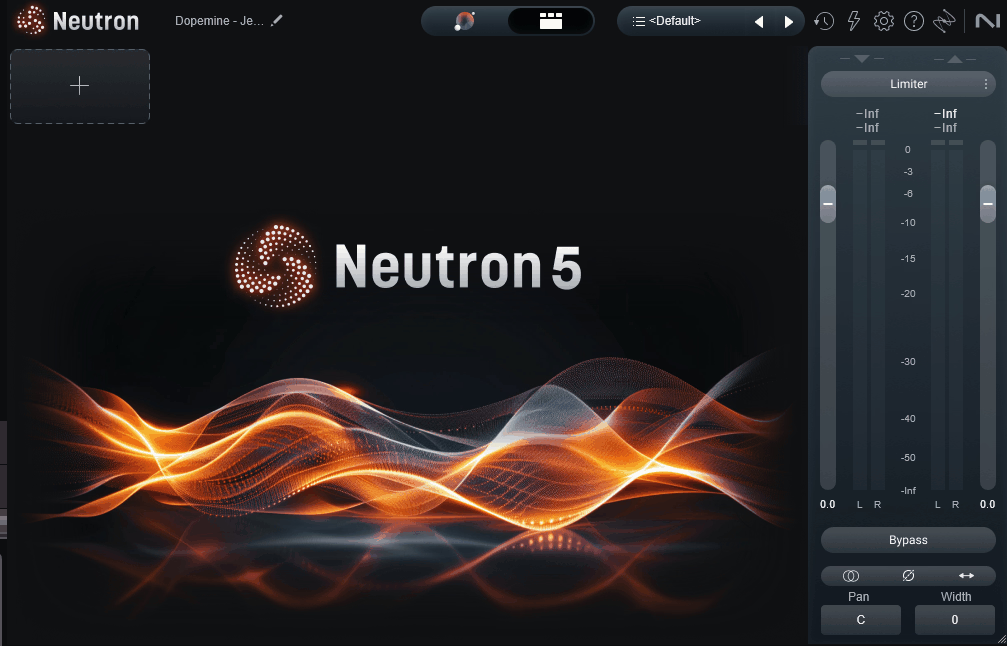
One of the things I appreciate about Nectar 4 is how it plays with the broader iZotope and Native Instruments ecosystem. Relay lets you communicate between instances across tracks, which is how Unmask works under the hood, the vocal track talks to the instrumental bus and automatically carves space for the vocal to sit forward without manual EQ work.
If you already use Ozone, RX, or Neutron, Nectar fits into that inter-plugin communication workflow smoothly.
The integration with Tonal Balance Control is particularly useful. You can reference your vocal’s tonal balance against genre-specific targets and see visually where the vocal sits relative to what commercial releases look like in that space.
For producers who rely on reference-based mixing, that kind of visual guidance speeds up decision-making significantly.
“This is the closest thing to having a second engineer in the room pointing out what the vocal needs.”
Genre Fit
Nectar 4 covers a broad range of genres well, and that’s partly because the Vocal Assistant’s genre targeting is trained on a wide spread of commercial music. I’ve had good results using it on pop, hip-hop, R&B, indie, and electronic vocal production, and I suggest producers working in these spaces will find the default chains to be a solid starting point.
For rock and heavier genres, you can push the saturation and compression to get more aggressive results, though some producers will still prefer dedicated hardware-modeled plugins for that particular character. For podcast and broadcast work, the gate, Breath Control, and Auto-Level modules handle the specific problems that come up in spoken-word recording, and the Vocal Assistant can dial in a natural dialogue tone quickly.
I think where Nectar 4 really shines is in bedroom and home studio production. If you don’t have a treated room, a pile of outboard gear, or years of mixing experience, this plugin gives you a genuine leg up toward professional-sounding vocals without requiring you to know exactly what each piece of the chain is doing.
Pricing and Editions
Here’s how Nectar 4 breaks down across its editions and included features:
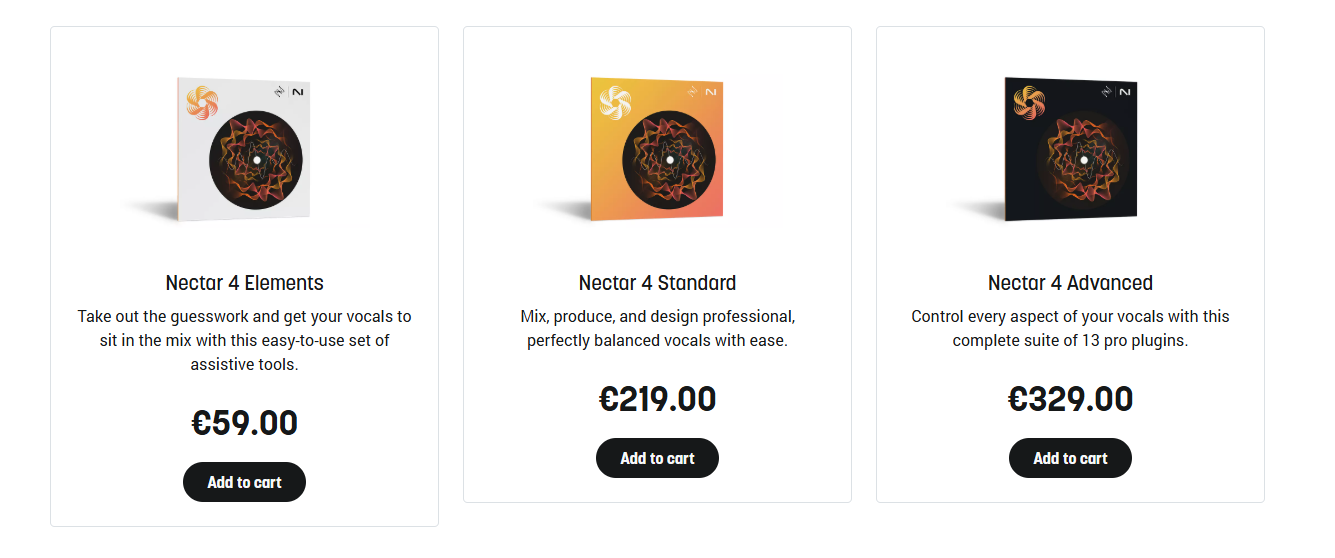
- Nectar 4 Elements (~$69):
Covers the core Vocal Assistant, basic EQ, compression, and reverb. Enough for simple vocal processing tasks but missing the advanced modules.
- Nectar 4 Standard (~$257):
This one adds the full module set including Backer, Voices, Auto-Level, Breath Control, advanced pitch correction, and the Detailed View for full chain customization.
- Nectar 4 Advanced (~$386):
Advanced version brings in extra modules, all individual standalone plugins, and deeper integration with the Music Production Suite ecosystem.
- Bundled options:
It’s available in iZotope Music Production Suite, Komplete bundles, and the iZotope Elements subscription at around $19.99/month for access to 46 iZotope plugins including Nectar.
- Upgrade paths:
Existing Nectar 3 users get upgrade pricing, and bundle owners can crossgrade into larger iZotope collections at reduced rates.
So if you use multiple iZotope tools regularly, the subscription or Music Production Suite route makes a lot of sense financially rather than buying Nectar as a standalone.
Trials and Demo
iZotope offers a 10-day trial for Elements and a 10-day fully functional trial for Standard and Advanced editions.
Final Thoughts
Nectar 4 is a legitimate upgrade over Nectar 3 and a strong vocal production suite in 2026. The Vocal Assistant has matured into a genuinely useful workflow tool rather than a marketing feature, the new Backer and Voices modules add creative capability that wasn’t previously there, and the integration with the broader iZotope ecosystem means the plugin plays well with whatever else you’re using.
I want to note that the plugin isn’t going to replace every specialized tool in your chain. Dedicated mastering limiters, character compressors with specific hardware modeling, and boutique pitch correction tools still have their place for producers who need that level of specificity.
But for the bulk of vocal production work, where you need to get from a raw vocal take to a polished, mix-ready vocal efficiently, Nectar 4 delivers on its promise.
For home producers, project studio engineers, and anyone mixing vocals regularly, I’d recommend this as one of the better investments you can make in your vocal workflow. The combination of AI-assisted starting points, genuinely musical processing, and smart integration with other tools in the iZotope ecosystem makes it one of those plugins that earns its place in a session rather than sitting unused.
More info & Price: iZotope Nectar 4 (Support Pluginerds)
More info & Price: iZotope Nectar 4 (Trial Available)
Get the Free Plugin Starter Kit
The genuinely useful free DAWs and plugins worth installing. No filler. Straight to your inbox.

Hello, I’m Viliam, I started this audio plugin focused blog to keep you updated on the latest trends, news and everything plugin related. I’ll put the most emphasis on the topics covering best VST, AU and AAX plugins. If you find some great plugin suggestions for us to include on our site, feel free to let me know, so I can take a look!