
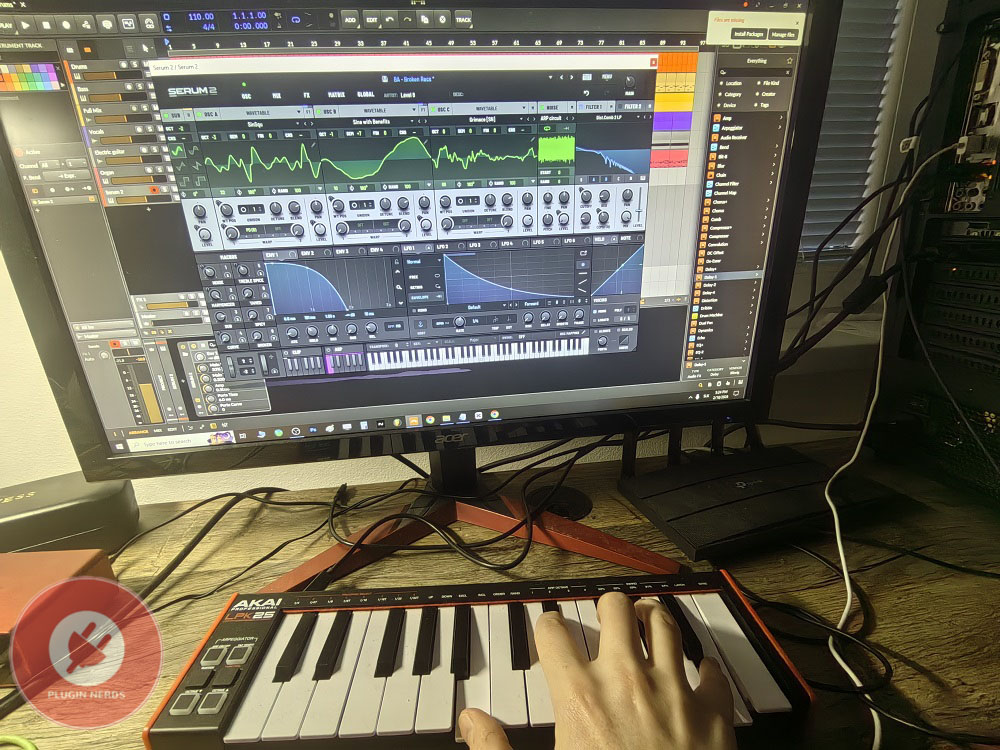
If you’ve searched for portable MIDI controllers for mobile setups or small studios, you’ve likely seen the Akai LPK25 MKII as a budget-friendly choice. After using it for about a year with other keyboards, I want to share what it’s really like to use and whether its small size and low price come with trade-offs that could affect your workflow.
The LPK25 MKII is Akai’s compact 25-key USB MIDI controller made for laptop producers, travelers, and anyone who needs a simple keyboard without the size of a full one. In my experience, it’s not meant to replace a real keyboard for serious playing or studio work, so it’s important to know its purpose before deciding if it’s right for you.
Is Akai LPK25 MKII Worth it in 2026?
In 2026, the LPK25 MKII remains worthwhile for mobile producers and tight spaces at around $50-70, offering genuine portability that larger controllers can’t match. Great for travel and quick melody input, but the mini keys and plastic build make it unsuitable as a primary controller for serious playing or studio work.
What you’re getting
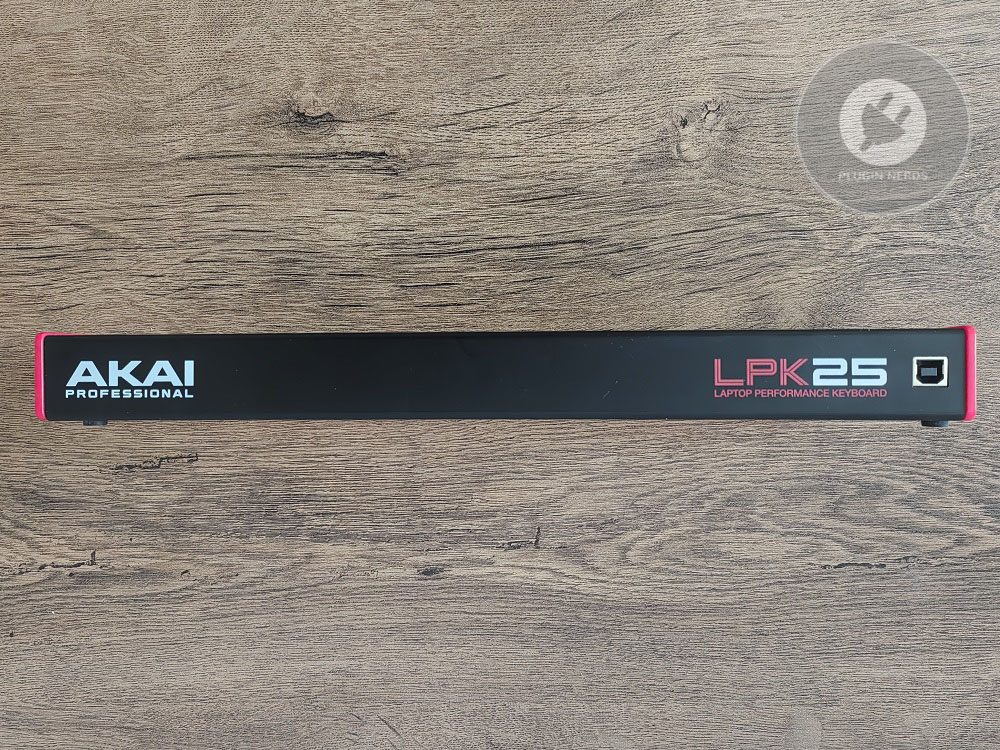
The controller has 25 mini keys that cover just over two octaves, and they’re much smaller than regular piano keys. If you’re used to full-size keyboards, it takes some time to get used to the smaller keys, and playing anything complex or fast can be tricky. The keys have a synth-action feel with no weight or real piano touch, but they work well enough for simple melodies and chords.
The keys are velocity sensitive, though it’s not the most detailed response I’ve seen. The velocity curve feels a bit compressed compared to higher-end controllers, so you don’t get a wide range between soft and hard playing. Still, for programming beats or simple melodies, it does the job.
The build is all plastic with no metal parts, which is expected for the price. It’s very light, about 500 grams, so it’s easy to carry but feels a bit like a toy compared to heavier controllers. I’ve handled mine carefully and it’s lasted, but I wouldn’t risk rough handling or frequent travel without a case.
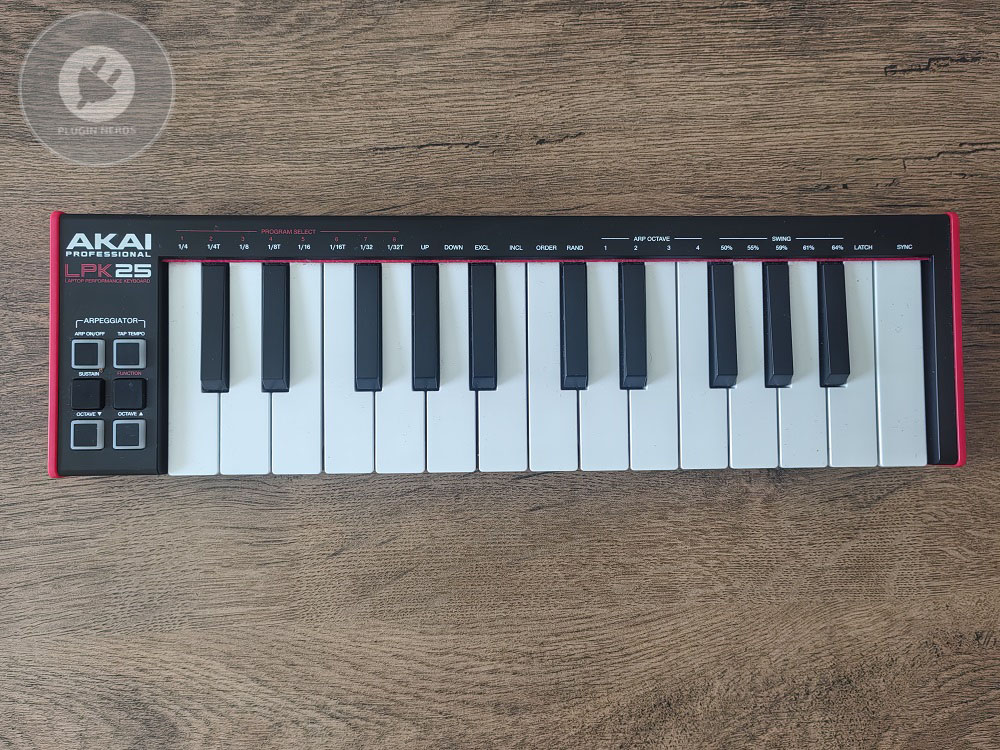
It connects only by USB, so you need to use it with a computer or iOS device using the included cable. The controller gets power from the USB connection, so there’s no need for an extra adapter, which makes mobile setups easier. I like that it works right away on both Mac and PC without needing to install drivers, so setup is quick and easy.
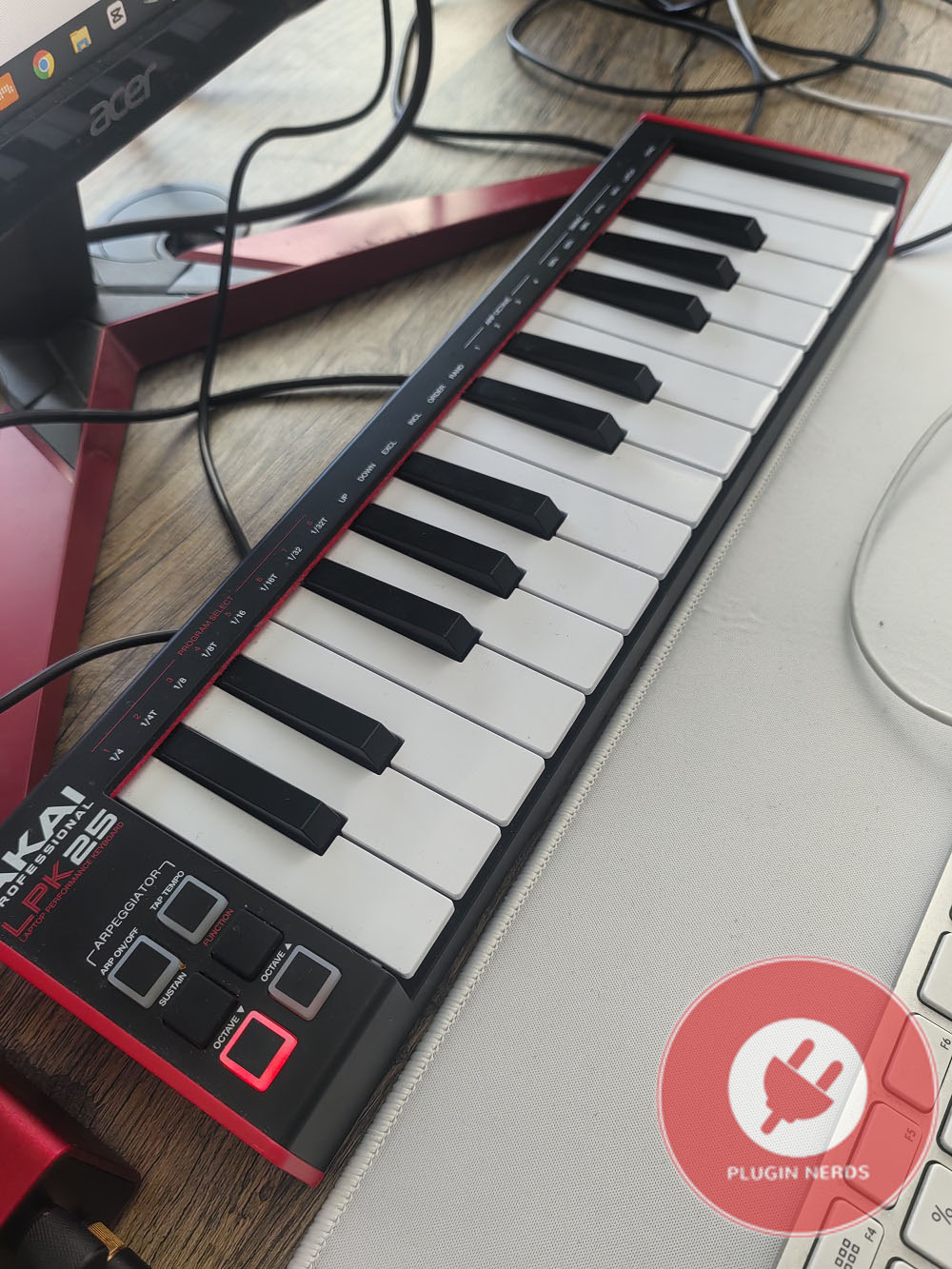
The octave up and down buttons let you move the key range across the full MIDI spectrum, and this partially compensates for the limited 25-key span when you need to access notes outside the default range.
There are built-in arpeggiator and sustain functions with their own buttons, which add real usefulness beyond just playing notes. The arpeggiator offers different patterns and lets you set the tempo by tapping, so you can make rhythmic patterns for electronic music without extra software. The sustain button holds notes until you let go, similar to a pedal, though it’s not as handy as using a real foot pedal.
Playing experience and limitations
The feel of the mini keys is probably the most divisive part of this controller, and whether you like them depends on your playing style and what you expect. I find them fine for simple chords, basic melodies, and programming parts slowly. But if you want to play more complex or fast pieces, the small size and light action can be frustrating.
The keys don’t travel far and feel a bit mushy at the bottom, with little tactile feedback to help you play by touch. I notice this most when playing in the dark or not looking at the keys, since it’s harder to play accurately. The keys are also close together, so it’s easy to hit the wrong note by accident.
The velocity response is functional but not as refined as on better controllers. I find it a bit inconsistent in how hard you need to press to get certain velocity levels. It takes some getting used to, and even then, you won’t get the same expressive control as with weighted or semi-weighted keys.
Polyphony is limited by USB MIDI bandwidth rather than the controller itself, but in practice, I haven’t encountered issues with note dropouts during normal use. The controller handles chords and overlapping notes without problems for typical production tasks.
There are no knobs, faders, or pads, so this is just a keyboard controller with no extra controls for tweaking sounds or triggering samples. If you want hands-on mixing or drum pads, you’ll need to get other gear.
Practical use scenarios
For making music while traveling or away from your main studio, the LPK25 MKII is truly portable in a way bigger controllers aren’t. I’ve used it on planes, in hotels, and at coffee shops where a full-size keyboard wouldn’t work, and in those situations, the small size and light weight make up for the playing trade-offs.
In small home studios, this controller takes up very little space and is easy to put away when you’re not using it. I keep mine on my desk next to a full-size keyboard and use it when I want to quickly play a melody without setting up the bigger one.
For beginners who want an affordable way to get MIDI input, the LPK25 MKII works well and doesn’t cost much. It’s not the best for learning real keyboard technique, but it’s good for learning MIDI programming and getting your ideas into your DAW.
If you mostly make electronic music by programming rather than playing live, the limitations won’t bother you as much as they would a keyboard player. If you’re entering notes, adjusting velocities in the piano roll, and using the keyboard just as an input tool, the small keys and simple action aren’t a big deal.
Honest limitations
If you’re used to playing on a real keyboard, the mini keys can be frustrating, and that’s just part of the deal. Piano players or anyone with experience on full-size keys will need patience and should expect to adjust to the smaller format.
No aftertouch means you’re missing expressive control that some synths and plugins respond to, though honestly, at this price point and size, aftertouch would be unexpected anyway.
The plastic build isn’t as tough as metal controllers, so I wouldn’t count on it surviving drops or rough use. If you handle it gently, it should last, but it’s not made for heavy travel or rough treatment.
There’s no power switch, so the controller is always on when plugged in. This isn’t a big issue, but sometimes it can send MIDI data by accident if the keys get bumped.
There are no modulation or pitch bend controls, which limits how expressively you can play. You can assign these functions in your DAW or use on-screen controls instead.
Value consideration
The LPK25 MKII usually costs about $50-70, making it one of the cheapest MIDI controllers out there. I think it’s a good value if you know what you’re getting and keep your expectations realistic.
Compared to full-size budget controllers like the Alesis V25, you’re giving up playability for portability. The choice comes down to whether you care more about saving space or having a more comfortable playing experience.
For the price, you get a MIDI controller that works reliably, even with its clear compromises. Whether that’s enough depends on what you need and what matters most to you.
Last words
The Akai Pro LPK25 MKII gives you very portable MIDI input at a low price and works well for basic keyboard tasks. The mini keys and plastic build are definite trade-offs, but in the right situations, the portability makes up for them.
If you need a truly portable MIDI controller for travel, small spaces, or mobile setups, this one does the job well. But if you want real keyboard feel or plan to use it as your main controller, the limitations will probably bother you.
I still use mine when I need something portable and can’t bring a bigger controller, and in those cases, it’s genuinely helpful despite its flaws. But for main studio use, I’d suggest spending more on a controller with better keys and build.
It’s a budget tool that does what it’s meant to do and doesn’t try to be more. Knowing its limits helps avoid disappointment, and if your needs match what it offers, it’s a good value for the price.

Hello, I’m Viliam, I started this audio plugin focused blog to keep you updated on the latest trends, news and everything plugin related. I’ll put the most emphasis on the topics covering best VST, AU and AAX plugins. If you find some great plugin suggestions for us to include on our site, feel free to let me know, so I can take a look!