
Let’s look at some of the best AI plugins for mixing and mastering engineers and sound designers.
It’s amazing how quickly AI has gone from a buzzword to something that really improves music. A few years ago, I was skeptical. Most so-called “AI tools” seemed more like toys or marketing tricks. But now, these plugins do more than just automate tasks. They actually listen, analyze, and respond to sound much like a real collaborator.
Some of these plugins even come up with ideas I wouldn’t have thought of on my own.
Here are some of the best AI music plugins that have truly changed how I work. They’re not just time-savers; they’ve become creative parts of my process.
1. Datamind Audio Combobulator (Neural Synth)
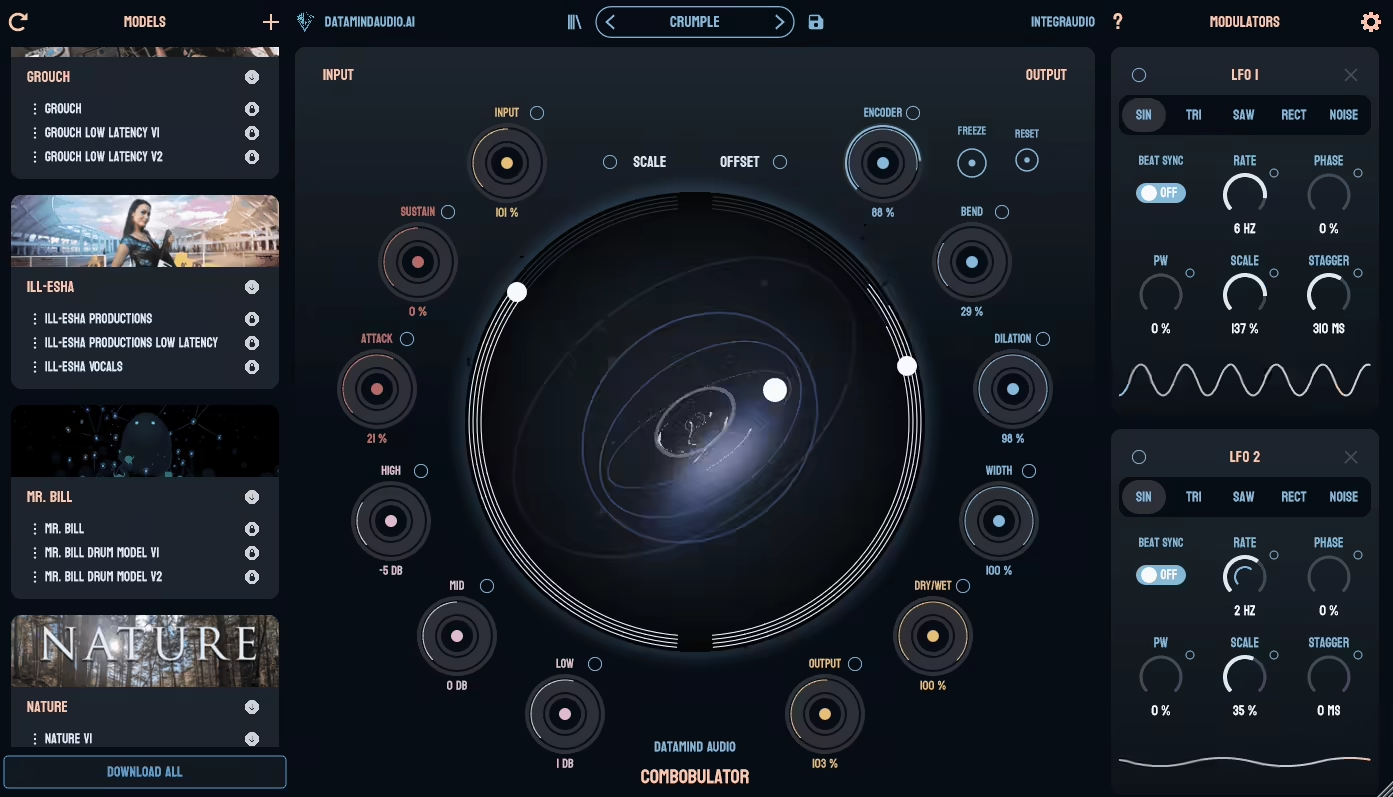
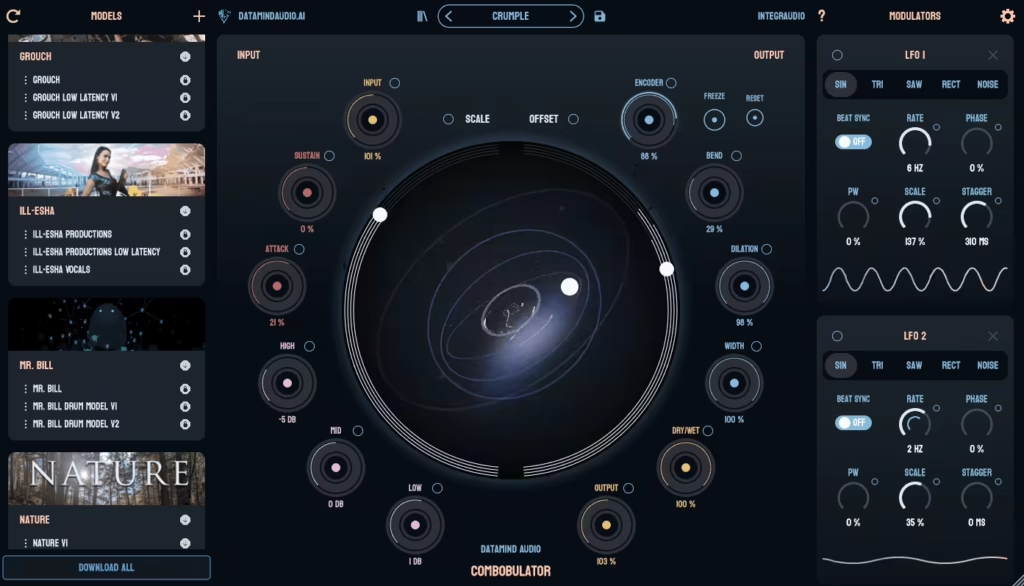
I’ve been trying out Datamind Audio’s Combobulator, and it’s a unique synth. Rather than using standard oscillators or samples, it uses a neural network to create sounds from what it has learned. Basically, it “imagines” tones instead of just copying them. At first, this made it a little unpredictable, but as I played with how the neural models react to modulation and input, I found it easier to control.
The sound falls somewhere between digital and organic. I’ve made pads that feel a bit unstable, basses that change texture as they play, and atmospheric tones that respond well to velocity and aftertouch. This isn’t the synth for clean, steady sounds, but that’s what I enjoy about it. It gives me results I wouldn’t usually come up with on my own.
The interface is simple, so I don’t have to dig through menus, and setting up modulation is quick. Overall, Combobulator feels like a creative tool for when I want to break out of my usual habits and find something new without making things too complicated.
If you’re a sound designer looking for AI music plugins that push creative boundaries, Combobulator’s neural synthesis is worth checking out. The good news is it comes with a trial, so you can give it a try yourself.
You can also buy Combobulator here and support this website.
2. iZotope Neutron 5
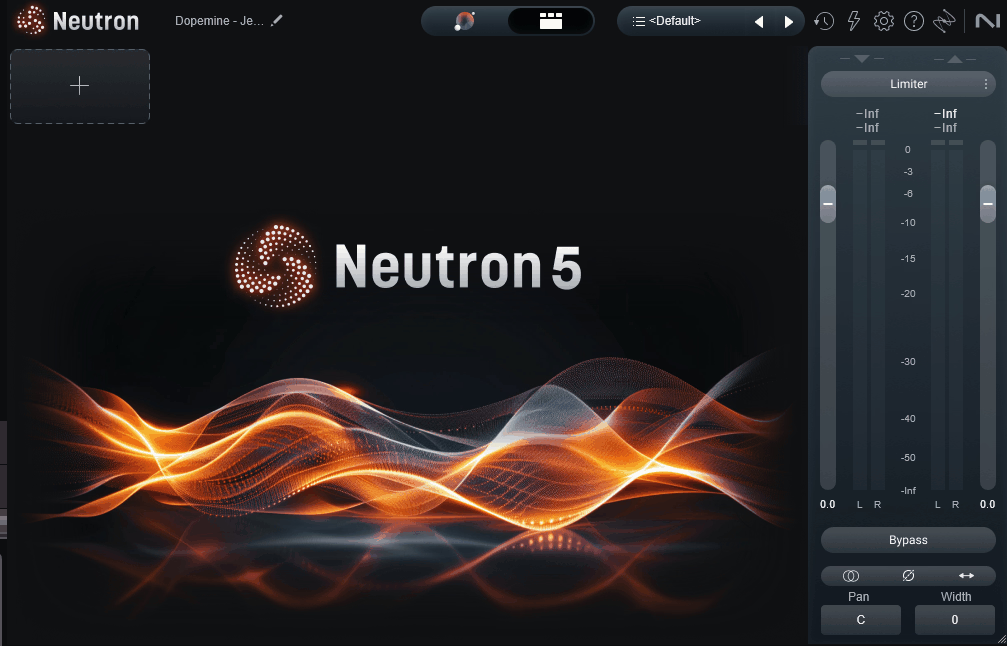
A full channel strip with an AI mixing assistant, Neutron 5 has been iterated on for several versions and the 2024 release brought meaningful improvements. It’s used widely in production workflows as both a starting point for mixes and as a finishing channel strip.
It includes EQ, compression, transient shaping, an exciter, and the Sculptor module, alongside the AI-driven Assistant features. Whether the AI side is useful depends on how you like to work, but the plugin functions well as a regular channel strip even without the assistant.
- Assistant View
Assistant View listens to your audio and suggests EQ, compression, transient shaping, and exciter settings. You can guide it with intent words like “more clarity” or “warmer” and it adjusts the suggestions. The output is usually within tweaking range of what you’d dial in manually.
- Reference Track Matching
Neutron 5 has a built-in reference library plus the option to load your own references. The AI matches your track’s tonal balance and dynamics to the reference, which speeds up genre-specific mixing where you have a clear target sound in mind.
- Sculptor Module
The Sculptor module dynamically balances tonal character in real-time rather than applying a static EQ curve. It adjusts the EQ moment-to-moment based on what’s coming through, and the results are usually transparent enough to leave running on a track without obvious artifacts.
- Visual Mixer
The Visual Mixer controls level, pan, and width across all your tracks from a single window using ball-style controls. It pairs with the Mix Assistant for whole-session balancing.
- Mix Assistant
Mix Assistant analyses your full session and suggests level relationships between tracks. The output is a rough mix you can then refine by ear. Useful as a starting point on busy sessions, less useful if you already know how you want the balance to sit.
3. Algonaut Atlas 2 (Sampler & sequencer)
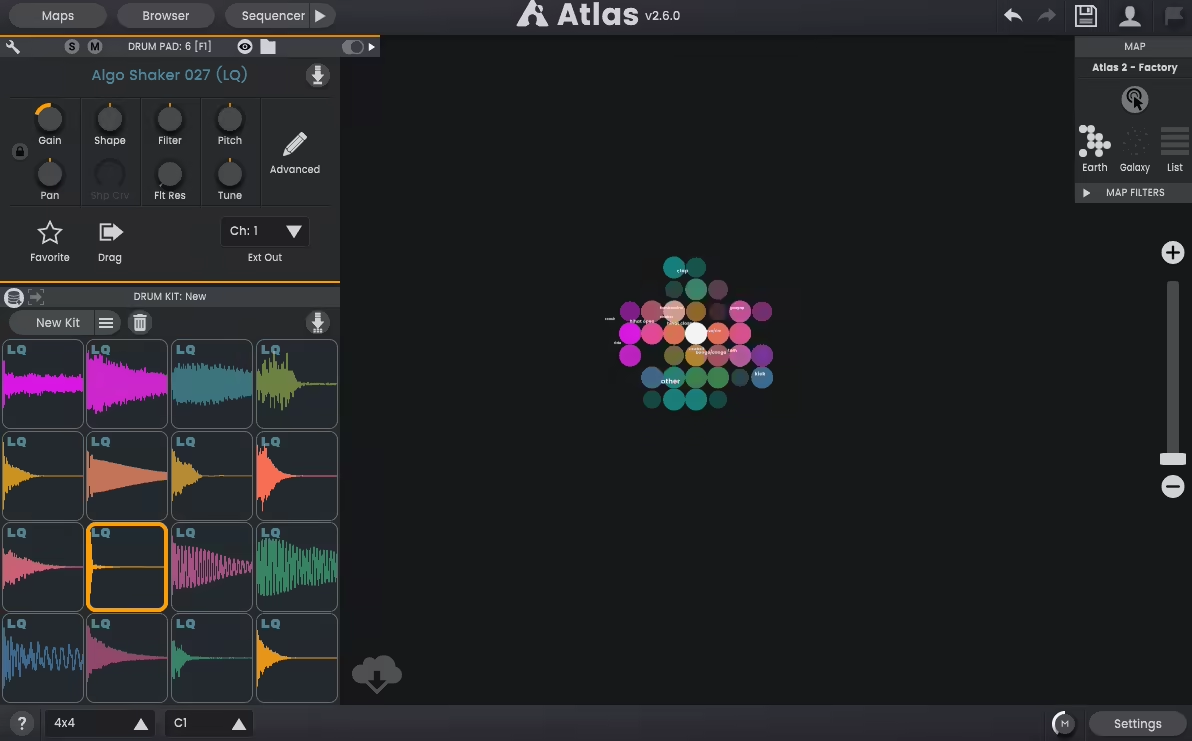
Atlas 2 scans my sample library and shows everything on a circular map, letting me drag sounds right into its pads. Having my samples grouped by tone and texture makes my workflow much faster than I thought it would.
The built-in sequencer is easy to use and responds well. You can randomize hits within reasonable limits, so your grooves sound natural but not messy. Step automation makes it simple to add quick changes, and having everything in one plugin means I don’t have to switch between different DAW tracks.
Atlas 2’s sound engine is clean and clear, which is exactly what I want from a drum sampler. It doesn’t change my sounds unless I use filters or envelopes. It also works well with MIDI controllers, so tapping in patterns is easy. Overall, it isn’t flashy. It’s a sampler that saves you time and helps you focus on making beats instead of sorting files.
If you want efficient workflow and creative beat-making, Atlas 2 is one of the best AI plugins for smart sample management and organization.
4. LANDR Mastering Plugin PRO (Master chain)
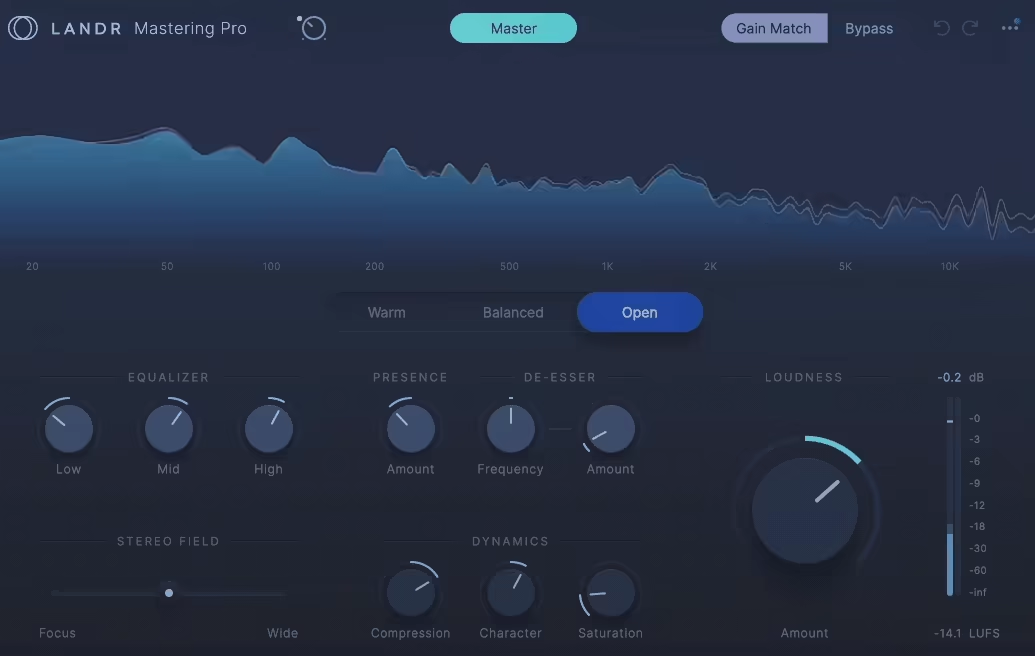
When it comes to quick and accurate mastering references, LANDR Mastering Plugin PRO has evolved far beyond its early “auto-master” reputation. The neural core now analyzes your mix with a 5-band spectral model and builds an adaptive EQ, compressor, and limiter chain on the fly.
Switching to “Punchy” mode boosts sub dynamics around 60-100 Hz and tightens stereo imaging, while “Transparent” mode keeps transients intact and evens the midrange response. It does not color your mix; it simply optimizes it. I like using it between rough and final stages because it gives a realistic preview of how a master will translate.
5. EVAbeat Melody Sauce 3
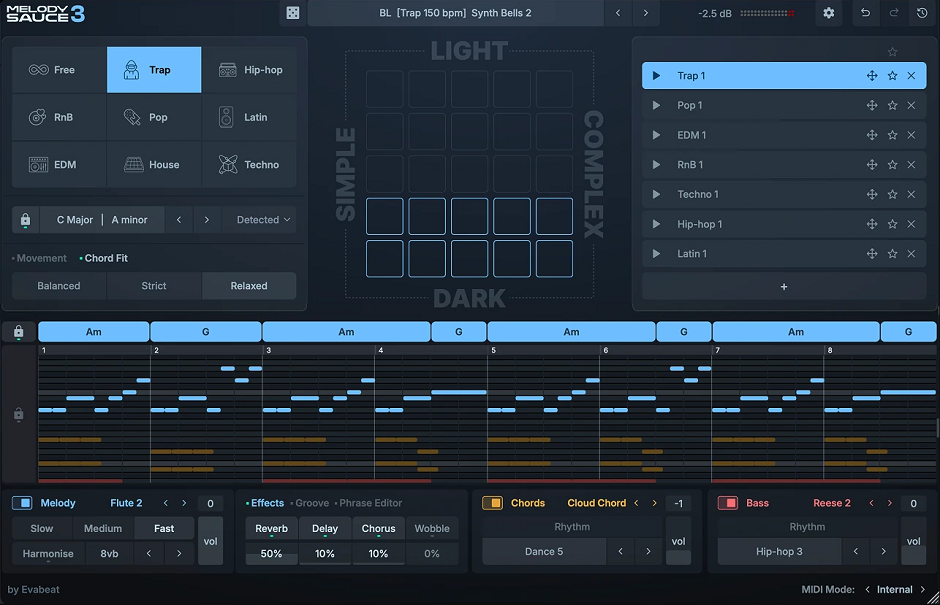
Already covered in detail under chord generators, Melody Sauce 3 is included here because the melody generation is genuinely AI-driven rather than just preset-based pattern matching. It produces musical phrasing rather than randomised note sequences within a scale.
The full feature breakdown is in the chord generator section. The points below cover only the AI-specific aspects.
- AI Melody Generation
The melody algorithms produce 8-bar melodies that follow musical phrasing, including tension and resolution. Output varies each time you click the generator, so you’re not just cycling through stored patterns.
- Genre-Trained Algorithms
The AI is trained on specific genres, including Hip-Hop, Trap, Pop, EDM, House, Techno, Latin, and R&B. The melodies feel idiomatic to whatever style you select, which makes the output more usable than generic note generators.
- Royalty-Free Output
Everything generated by Melody Sauce 3 is royalty-free for commercial use. With recent confusion around AI-generated content licensing, this is worth flagging.
6. Datamind Audio Concatenator (AI Neural Synth)
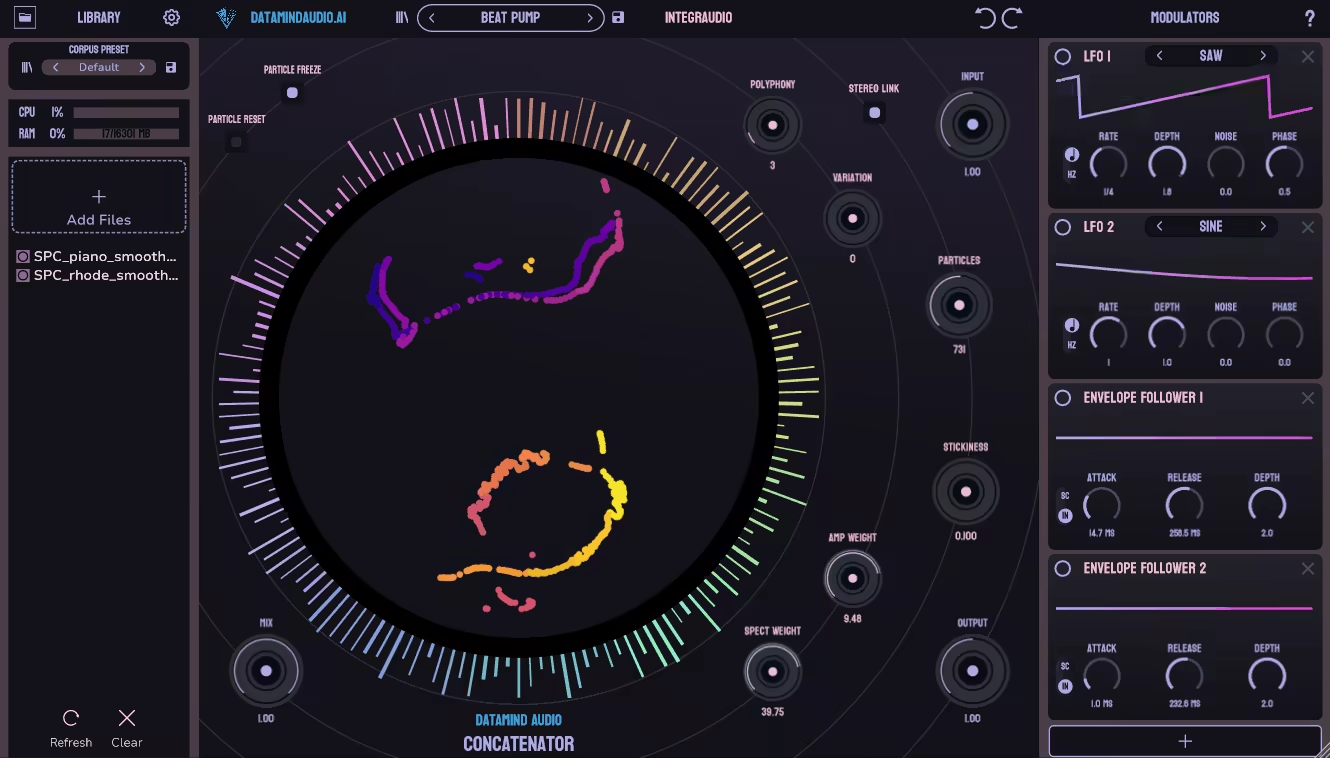
Some synths can pick up on your playing style, but Datamind Audio’s Concatenator takes it further. This neural synth rebuilds sounds by connecting audio fragments it predicts from a learned dataset, instead of just playing back recorded samples.
Each “grain” lasts between 20 and 80 milliseconds and is picked based on what fits the previous harmonic movement. The result is a smooth, continuous sound with no loops or steps, just a seamless texture.
I’ve used it to create evolving ambient layers that change without repeating. It also has an AI-driven modulation mode, where envelope curves affect how the neural network shapes the sound, so your playing gestures actually change the synthesis. It uses a lot of CPU, but the musical results are unpredictable in a good way.
7. Zynaptiq ADAPTIVERB
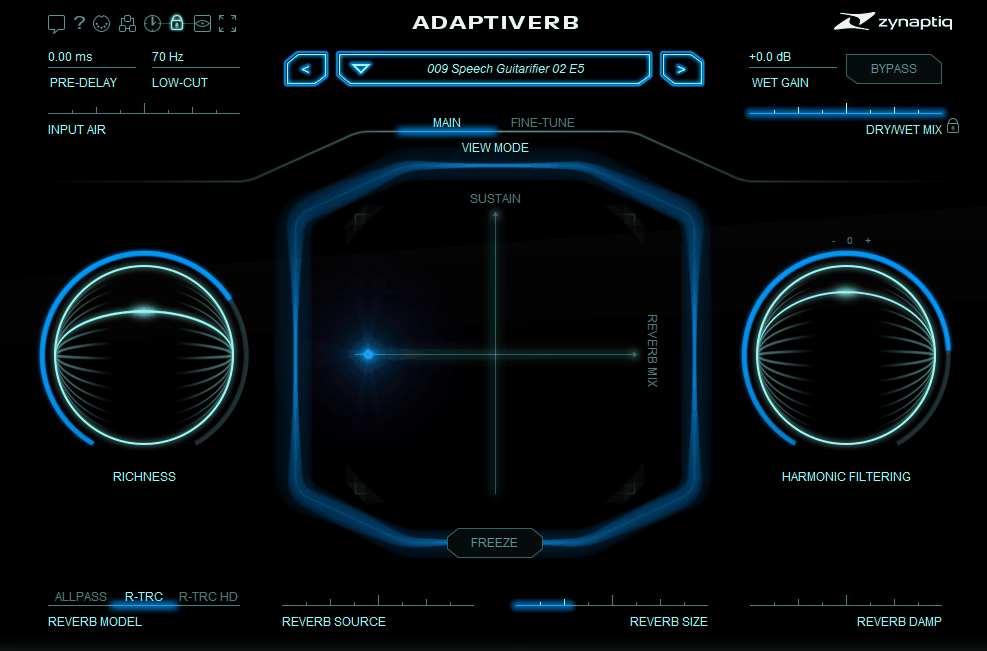
A spectral processing reverb that creates tails resonating harmonically with the input signal, ADAPTIVERB behaves more like a hybrid between a reverb and a harmonic resonator than a standard reverb plugin. The reverb tail tunes itself to the harmonic content of whatever you feed in.
It’s most useful for sound design, ambient production, and scoring work. Less useful as a general-purpose mixing reverb because the harmonic resonance is a specific effect rather than a transparent space.
- Harmonic Tracking
ADAPTIVERB analyses the harmonic content of the input in real-time and tunes the reverb tail to match. Sing a note and the reverb sings the same note back. Play a chord and the reverb resonates with the chord. Particularly noticeable on vocals, strings, and synths.
- Liveliness and Density
Liveliness controls how much harmonic resonance is added. Higher settings produce pitched, choir-like resonances. Lower settings behave more like a standard reverb. Density controls the texture of the tail.
- Reverb and Resonance Blend
You can blend traditional reverb behaviour with harmonic resonance in any proportion. So you can dial it from a standard-ish reverb to fully transformed sound design without changing plugins.
- Pre-Processing FX
Includes filters, distortion, and shaping tools before the reverb engine. Adjustments here change the input that hits the spectral processing, which significantly affects the resulting tail.
- CPU Usage
CPU usage is reasonable considering the spectral analysis involved. Multiple instances run on a session without major issues, which matters because different sources usually want different ADAPTIVERB settings.
8. sonible smart:EQ 4 (Equalizer)
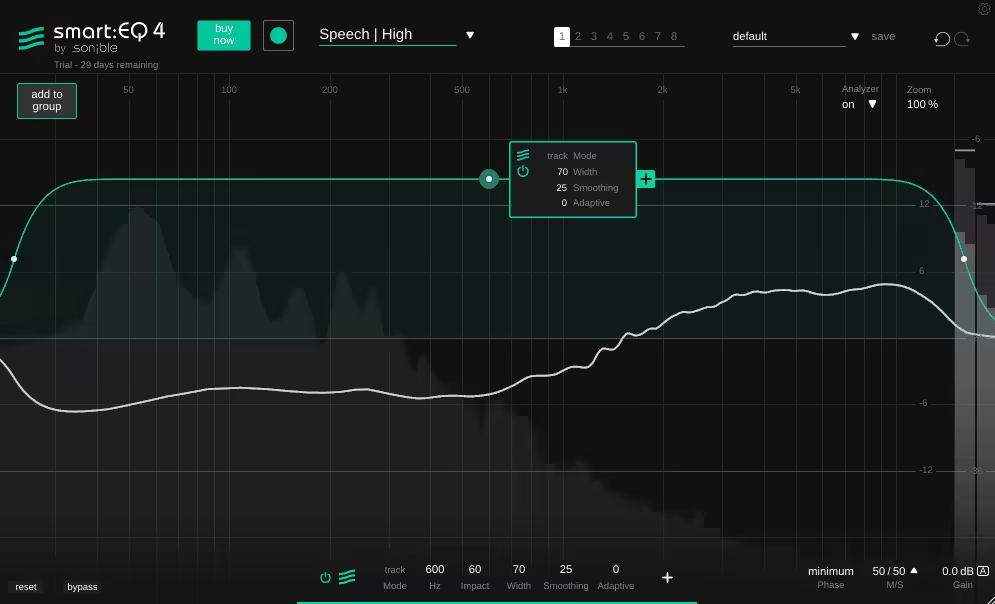
I’ve tried many automatic EQs, but smart:EQ 4 by Sonible stands out because it sounds musical, not just technical. Instead of just flattening the EQ curve, it keeps analyzing the input with a 2048-point FFT and adjusts the gain in real time within a ±12 dB range.
The standout feature this time is the new Group Adaptation mode. Up to eight instances can work together across your mix, cutting down on clashing frequencies as you go. I tried it on drums, bass, and vocals, and the tonal balance adjusted itself, almost like having an invisible engineer making EQ moves by ear. It’s subtle, clear, and reliable enough to use during mix sessions. If you want an AI-driven plugin that truly responds to your whole mix, smart:EQ 4’s group adaptation makes it a must-have.
9. Baby Audio TAIP (Tape)
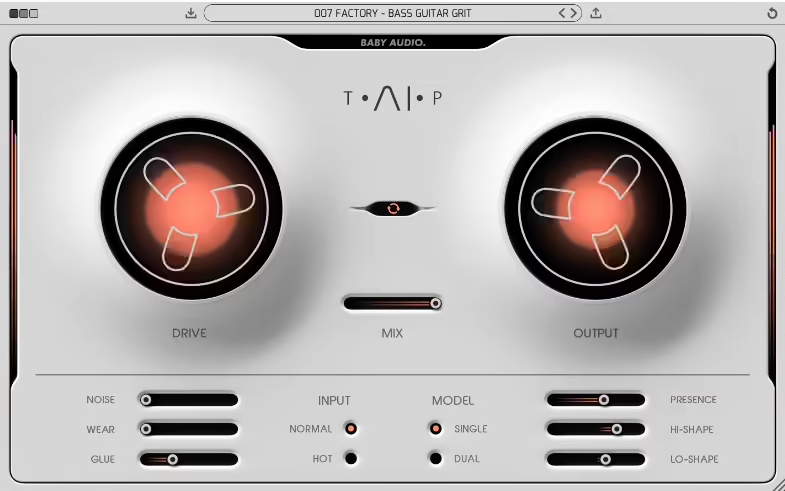
You can immediately tell the difference when you put TAIP from Baby Audio on a drum bus. Instead of using static saturation, it relies on AI-powered dynamic convolution to mimic how tape responds to transients. This means the saturation changes in real time with your input, just like real analog tape.
Drive does more than just add gain. It changes the bias current behavior, so the tone gets thicker as you push more signal into it.
Flutter and wear settings create gentle wow effects that slightly shift the phase, adding stereo depth. The harmonics peak softly around 2.5 kHz, and when you push it, you get that classic soft clipping tape ‘bloom.’ My favorite part is that it never sounds exactly the same twice. Like real tape, it moves and breathes.
This could be the best drum tape plugin out there. But don’t just take my word for it. Try it yourself!
10. The Him DSP Kick Ninja (Kick Generator)

If you care about precise low-end, Kick Ninja by The Him DSP is a great choice. Rather than stacking samples, it creates kicks by modeling the transient, body, and sub, all using AI spectral estimation. You pick your base frequency, and the engine lines up the harmonics up to 2 kHz.
This gives you steady phase alignment and strong control over the low end. I like to adjust the decay slope and transient hardness for different genres: 35% slope and 60% transient for house, and sharper settings for trap. It’s quick, sounds great, and is easy to adjust while you work.
11. Waves CR8 Creative Sampler (Sampler)
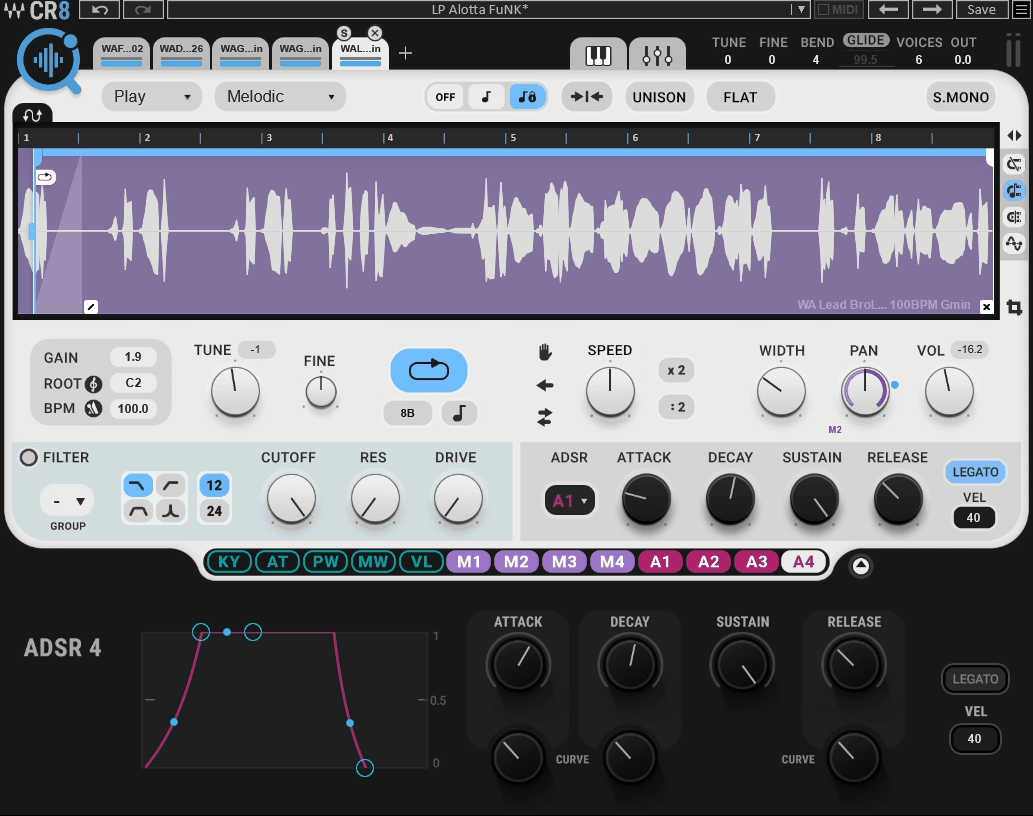
Waves’ CR8 Creative Sampler is a great example of a sampler that uses AI well. Just drop in any folder, and it automatically tags your samples by transient shape, spectral profile, and note center. This lets you browse by sound instead of just filenames.
This smart tagging system makes CR8 one of the top AI plugins for music producers who have big sample libraries and need quick, easy access to sounds.
The pitch algorithm, Neural Elastique, lets you shift pitch up or down by 48 semitones without obvious artifacts, and time-stretching stays clear even at extreme settings. CR8 also gives you up to eight modulation sources that can control nearly any parameter. You can use it to create evolving textures from single hits, and it handles modulation smoothly with almost no zipper noise.
12. iZotope Neoverb (Reverb)
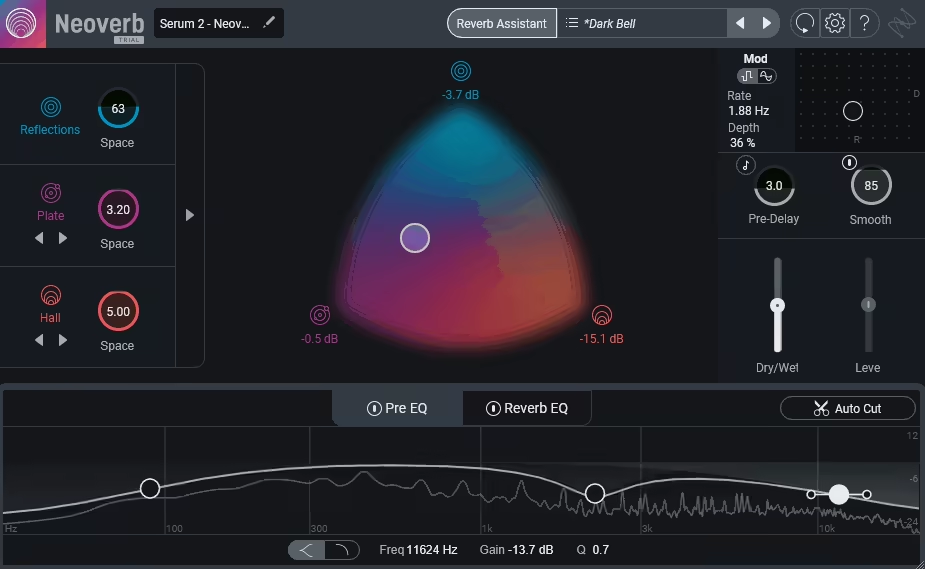
When I’m working on spatial tone, iZotope’s Neoverb still stands out as the smartest reverb I’ve used. It analyzes your input, picks up on density and transients, and suggests decay and pre-delay settings that fit your mix.
This AI mixing plugin stands out because it looks at your mix and suggests settings that work with what you already have, not against it. For context-aware spatial processing, Neoverb is one of the best AI music plugins for supporting your creative choices instead of taking over.
The Blend Pad lets you switch between Room, Plate, and Hall algorithms while keeping everything in phase. The built-in Unmask EQ helps vocals or guitars fit naturally by making space for them as you mix. The AI supports your taste instead of replacing it.
I like using 1.8 seconds of decay with a 30% blend for pop vocals. It fits well and doesn’t make the mix sound muddy.
13. Waves InTrigger (Drum replacer)
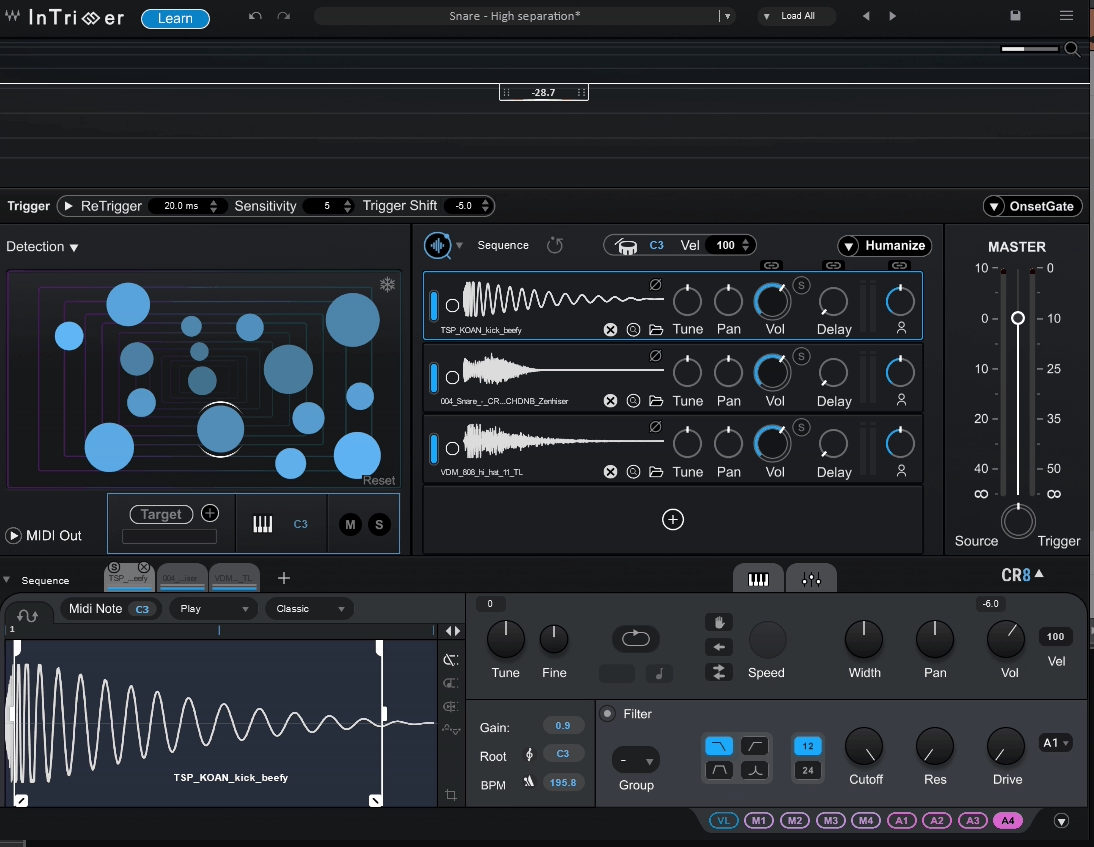
Most drum replacers don’t feel this responsive, but Waves’ InTrigger does. It scans transients with millisecond accuracy and uses AI to tell real hits from bleed. This leads to fewer false triggers and more natural dynamics.
You can train it with your own snare or kick samples, so it matches your playing style. I tried it on live drums with open mics, and it reached 97-98% detection accuracy without any threshold tweaks. Latency is about 3 ms, which is quick enough for tracking. It really saves time for drum editors.
InTrigger uses AI to help with drum editing, saving you time on manual trigger adjustments and delivering drum tracks ready to mix.
14. Waves Clarity™ Vx Pro (Noise reduction)
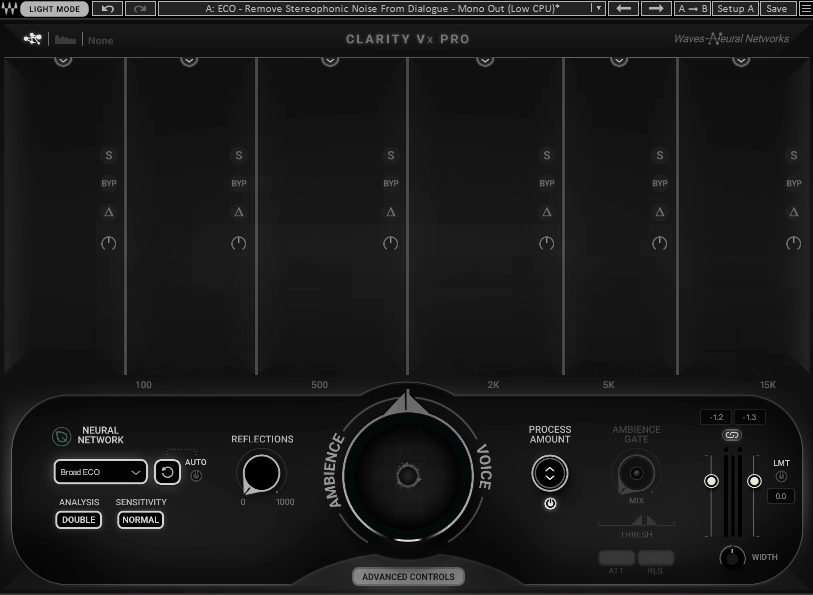
VX Pro uses the Neural Network V14 engine to separate dialogue from noise in real time, while keeping the natural sound of voices. It also has a focus control that helps keep the audio clear and balanced after noise reduction.
I tried it on vocal recordings with HVAC noise, and it removed the rumble without affecting the sharp sounds in speech. It also works well on live recordings. The low-latency mode adds almost no delay, so it’s great for live or broadcast use.
You can try the plugin for free with a trial version. If you decide to buy it, using this link will help support the site.
15. Waves Curves AQ (autonomous Equalizer)
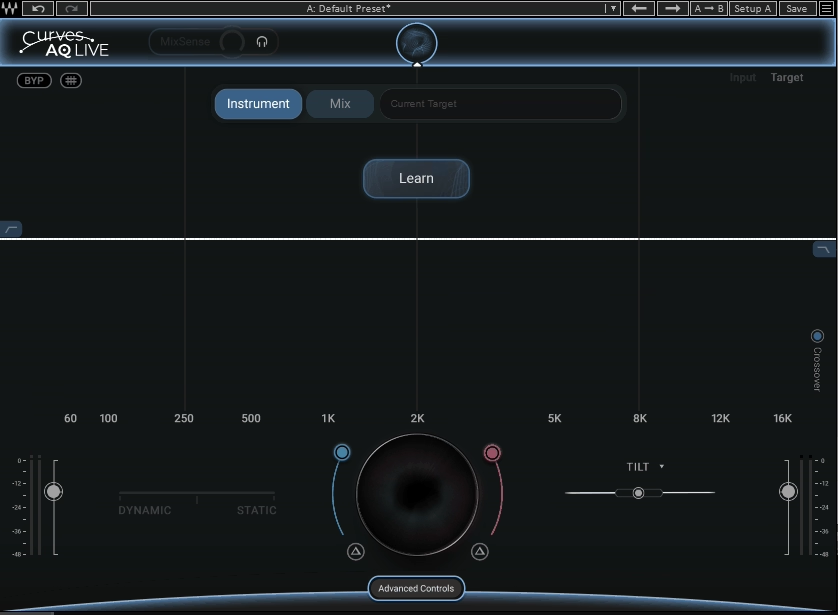
I was surprised by how natural Waves Curves AQ feels when EQing. Its adaptive filter system learns as you use it, monitoring the audio and automatically adjusting up to 24 bands in small 0.1 dB steps to keep the tone consistent.
You can watch the frequency changes happen in real time, and thanks to 8x oversampling, there is almost no phase shift.
The AI mixing plugin also keeps an eye on your bus processing and makes ongoing adjustments. This is great for dynamic mixes where a fixed EQ curve wouldn’t be enough.
This EQ is mix-aware and balances elements as you go. If you’re looking for top AI-driven plugins for smart mixing, Curves AQ stands out because it keeps adapting and maintains tonal balance throughout your session without you having to adjust it. I’ve found it works especially well for bus processing, where manual EQ can feel too rigid. It’s subtle, always working, and sounds surprisingly musical.
16. Supertone CLEAR (de-noise & de-reverb tool)
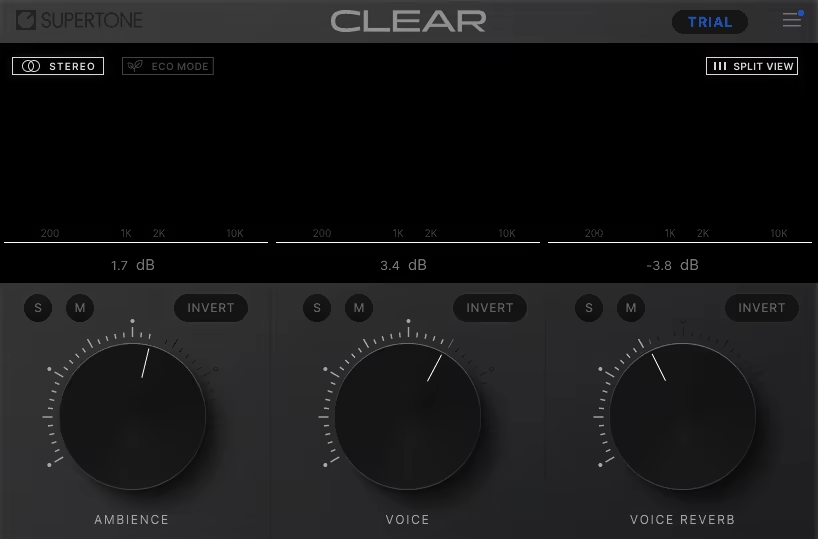
Most denoisers tend to flatten transients, but Supertone CLEAR keeps the attack intact while removing both noise and reverb. Its hybrid model uses a temporal gate and a spectral neural suppressor that work together for the best results.
The engine processes 2048 spectral bands with less than 5 ms of latency. I tested it on vocal recordings made in a room with a lot of reverb, and it kept the presence and tone. It doesn’t sound harsh or artificial; instead, the signal just sounds naturally cleaned up. For dialogue or acoustic music, it feels essential.

Hello, I’m Viliam, I started this audio plugin focused blog to keep you updated on the latest trends, news and everything plugin related. I’ll put the most emphasis on the topics covering best VST, AU and AAX plugins. If you find some great plugin suggestions for us to include on our site, feel free to let me know, so I can take a look!