
Converting audio between formats is one of those tasks that comes up more often than you’d expect in music production and content creation. You receive a WAV file that needs to be MP3 for a client. A collaborator sends an OGG file that your DAW doesn’t recognize.
You need to convert a podcast episode from FLAC to AAC for Apple distribution. A sample pack arrives in a format your software can’t load. These situations aren’t complex, but without the right tool they become time consuming annoyances that interrupt your actual work.
The good news is that free audio conversion has become straightforward and widely available. Some of these tools run entirely in your browser with no software to install. Others are lightweight desktop applications that handle conversion locally on your machine without uploading your files to anyone’s server.
The choice between online and offline conversion matters depending on your priorities: online tools are convenient and require no installation, but they involve uploading your audio to a third party server. Desktop tools keep your files local but require a download. For sensitive or unreleased material, the privacy implications of online conversion are worth considering.
I’ve tested fifteen converters (fourteen plus a bonus) and evaluated them on format support, conversion quality, speed, ease of use, and any limitations on file size or number of conversions.
1. FreeConvert
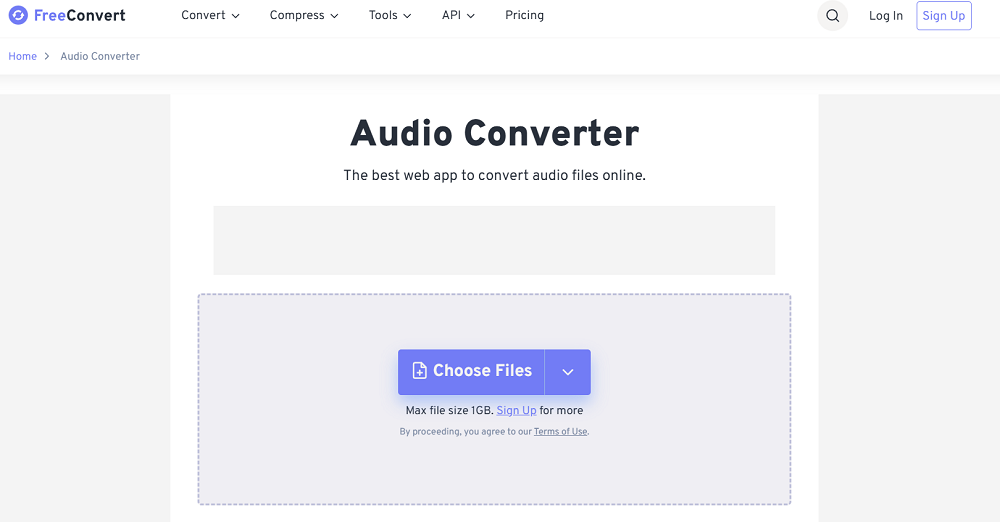
Among the most polished online conversion tools available, this platform handles audio, video, image, and document conversion through a clean, modern interface that doesn’t feel like a free tool. FreeConvert supports a wide range of audio formats including MP3, WAV, FLAC, AAC, OGG, WMA, M4A, AIFF, and others, with options to adjust bitrate, sample rate, and channel configuration during conversion.
What sets FreeConvert apart from simpler converters is the advanced settings available during conversion. You’re not just choosing an output format. You can specify the exact bitrate (from 8 kbps to 320 kbps for MP3), select sample rates (from 8 kHz to 48 kHz), choose between mono and stereo, and even trim the audio during conversion.
For producers who need specific output specifications for different distribution platforms, having this level of control in a free online tool saves the step of converting and then processing the output in a separate application.
- Format Range
Support for dozens of audio formats including MP3, WAV, FLAC, AAC, OGG, WMA, M4A, AIFF, AC3, and more ensures you can convert between virtually any combination of formats. The breadth of format support means you won’t encounter a file type this tool can’t handle in most practical situations.
- Quality Settings
Adjustable bitrate, sample rate, and channel configuration let you control the output quality precisely rather than accepting whatever default the converter chooses.
Specifying exact output parameters is important when you need files that meet specific distribution or platform requirements.
- Batch Processing
You can upload and convert multiple files simultaneously, which saves significant time when you need to convert an entire folder of audio files rather than processing them one at a time. The batch capability turns a tedious repetitive task into a single operation.
- File Size Limit
The free tier allows files up to 1 GB, which is generous enough for most audio conversion needs including full length WAV files and large FLAC recordings. The size limit accommodates most practical audio files without requiring a paid upgrade.
2. Online Audio Converter (123apps)
Part of the 123apps suite of free online tools, this converter has built a reputation for reliability, speed, and simplicity over years of operation.
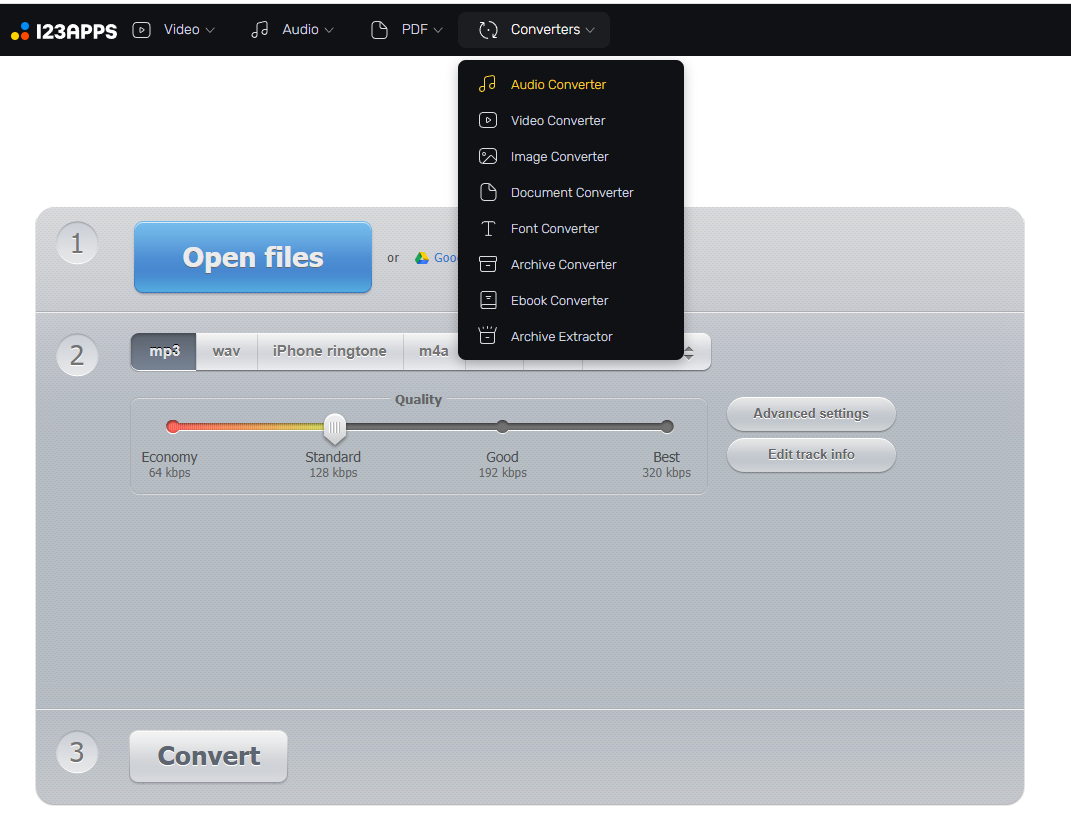
The Online Audio Converter handles the most common audio format conversions with an interface that’s intuitive enough for anyone to use without instructions, while still providing enough control over output settings to satisfy users who need specific parameters.
I’ve used this converter more than any other on the list because the combination of speed and reliability is consistently good. You upload a file, choose the output format, adjust the quality slider or advanced settings if needed, and download the result.
The conversion is fast, the output quality is accurate to the settings you specify, and the site rarely has downtime or performance issues. The tag editing feature that lets you modify metadata (artist, title, album, year) during conversion is a practical addition that saves a separate editing step.
- Proven Reliability
Years of operation have established this converter as one of the most dependable online audio tools available. The service handles high traffic without performance degradation, and the conversion output is consistently accurate to the specified settings. You can rely on it being available and functioning correctly when you need it.
- Tag Editing
A built in metadata editor lets you modify audio file tags (artist, title, album, track number, year, genre) during the conversion process. Editing tags alongside conversion eliminates the need for a separate metadata editing tool, which streamlines the workflow when you’re preparing files for distribution or organization.
- Quality Control
A quality slider provides quick adjustment of the output bitrate alongside advanced settings for precise control. The slider gives you fast approximate control while the advanced options let you specify exact parameters when precision matters.
- Google Drive/Dropbox
You can upload files directly from Google Drive, Dropbox, or URL rather than only from your local machine. The cloud upload integration is convenient when your files are stored in cloud services rather than on the device you’re currently using.
- No Installation
The converter runs entirely in your browser with no software download, plugin installation, or account creation required. You can access the conversion tool from any device with a web browser, including phones, tablets, and public computers.
- Multiple Outputs
You can convert to MP3, WAV, FLAC, OGG, M4A, AMR, and other formats from a single upload. The format options cover the most common needs for music production, podcasting, and content distribution.
3. Fre:ac
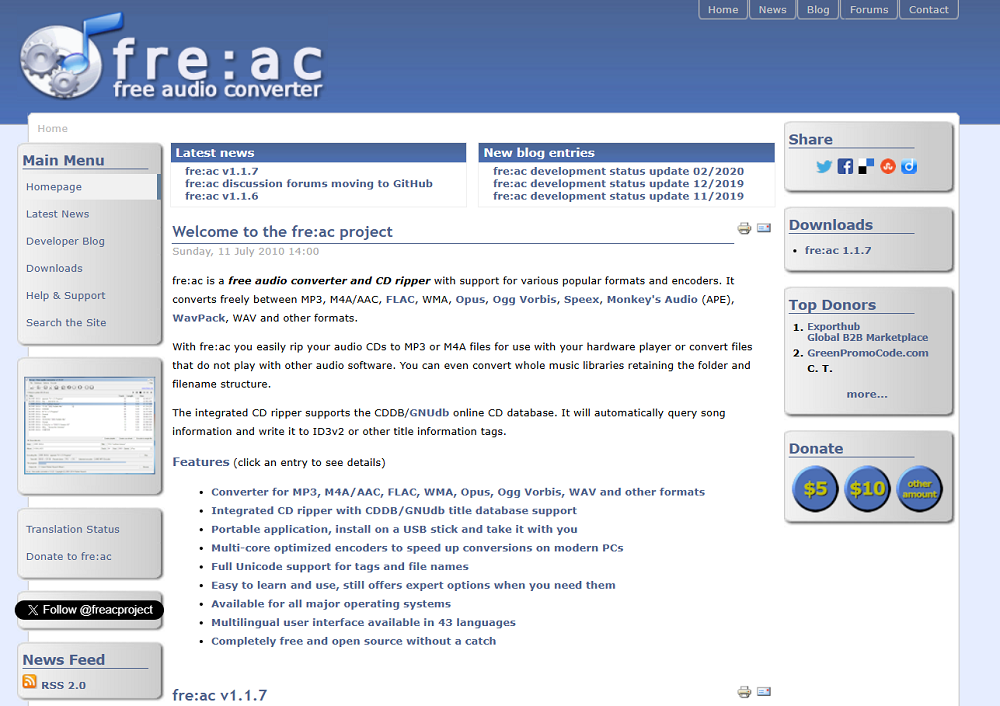
Taking the opposite approach from online converters, Fre:ac (Free Audio Converter) is an open source desktop application that handles audio conversion entirely on your local machine without uploading files to any server.
The software supports MP3, M4A/AAC, FLAC, WMA, Ogg Vorbis, Opus, WAV, and other formats, and includes a CD ripper for extracting audio from physical discs.
The primary advantage of Fre:ac over online tools is privacy and speed. Your audio files never leave your computer, which matters if you’re converting unreleased music, client material, or any content where uploading to a third party server raises confidentiality concerns.
The local processing is also faster than online conversion for large files because there’s no upload and download step. The open source nature means the software is completely free with no limitations, no advertising, and no data collection.
- Local Processing
All conversion happens on your machine without uploading files to external servers. The local approach provides complete privacy for sensitive audio content and eliminates the upload/download time that online converters require.
- Open Source
The software is free and open source with no advertisements, no usage limitations, and no data collection. The open source nature means the code is publicly auditable, and the community development ensures ongoing maintenance and format support updates.
- CD Ripping
A built in CD ripper extracts audio from physical discs and converts directly to your chosen format in a single step. The CD ripping capability adds functionality that online converters can’t provide.
4. Voice.ai
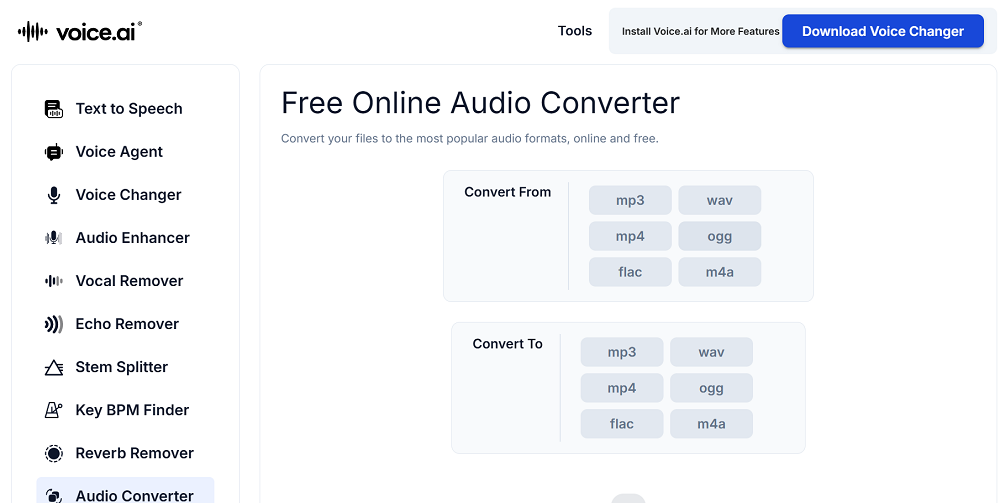
Better known for its voice changing and stem separation tools, this platform also includes an audio conversion feature as part of its broader audio processing toolkit.
Voice.ai handles format conversion alongside its AI powered audio tools, which means you can convert formats and apply voice processing from a single platform if you need both.
The conversion feature at Voice.ai is secondary to the platform’s core audio processing tools, but it’s functional and convenient if you’re already using the site for other purposes.
The format support covers the common audio types, and the conversion is handled through the same clean interface used for the AI audio tools. For users who visit Voice.ai for stem splitting or voice changing and also need a quick format conversion, having the converter available in the same platform saves a trip to a separate service.
- Platform Integration
The converter sits within a broader audio processing platform that includes voice changing, stem separation, and other AI tools. If you’re already using Voice.ai for other audio tasks, the converter is available without switching to a different service.
- Common Formats
Support for standard audio formats (MP3, WAV, FLAC, and others) handles the most frequent conversion needs. The format support covers the practical situations you’ll encounter without claiming to support every obscure codec.
- Web Based
The conversion runs in your browser without requiring software installation, and the interface is consistent with the rest of the Voice.ai platform. The web based approach provides access from any device.
- Free Tier
A free usage tier provides access to the conversion tool alongside the platform’s other features without requiring payment for basic tasks.
5. Audio.com Audio Converter
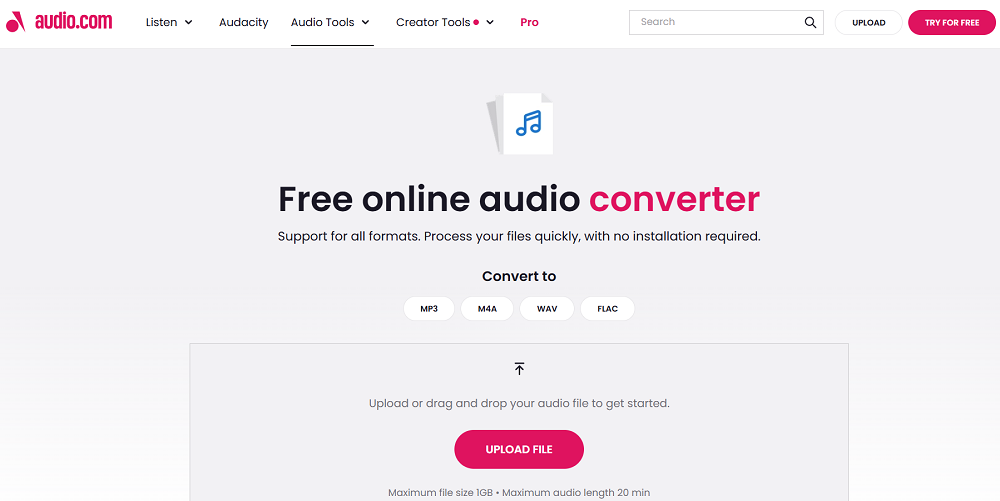
Part of the Audio.com platform that provides various audio tools and hosting services, this converter handles format conversion through a straightforward online interface.
The tool supports common audio formats and provides basic conversion functionality without the advanced settings that more specialized converters offer.
The simplicity of the Audio.com converter is its practical advantage. If you need to convert an MP3 to WAV or a FLAC to M4A without adjusting bitrate, sample rate, or other technical parameters, the minimal interface gets you to the result faster than navigating the settings panels of more complex tools.
For quick, uncomplicated conversions where the default output settings are acceptable, the streamlined approach saves time.
- Quick Conversion
The minimal interface provides fast, straightforward conversion without requiring you to configure technical parameters. You upload, choose the output format, and download the result. The simplicity makes it the fastest path from input to output for basic conversions.
- Platform Tools
The converter is part of a broader audio tools platform that includes additional processing capabilities. If you need other audio processing alongside conversion, the related tools are accessible from the same platform.
- Browser Based
The conversion runs online in your browser with no software to download or install. The web based approach works on any device and requires no commitment beyond visiting the website.
6. RouteNote
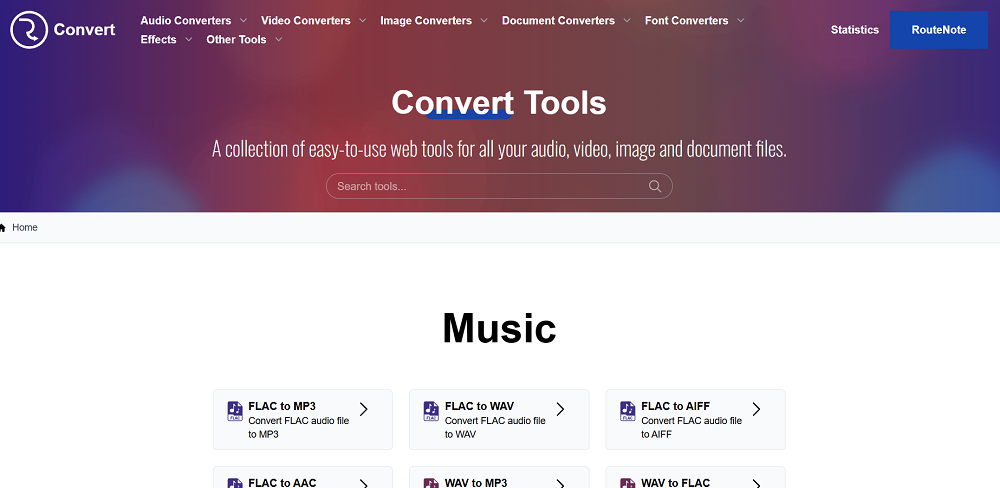
Primarily known as a music distribution service, this platform provides a free audio converter as a supplementary tool for artists who need to prepare files for distribution. RouteNote’s converter handles the common format conversions that musicians and content creators encounter when preparing audio for different platforms and use cases.
The practical connection to music distribution is what makes RouteNote’s converter useful in context. If you’re an independent artist preparing tracks for release, you likely need files in specific formats for different distribution platforms, streaming services, and promotional purposes. Having the converter available from a distribution service means you can handle format preparation and distribution from related tools rather than switching between unrelated services. The converter itself is straightforward and handles the common audio formats that music distribution requires.
- Distribution Context
The converter is provided by a music distribution company, which means the supported formats and default settings are oriented toward the practical needs of artists preparing audio for release. The distribution context ensures the tool handles the specific format requirements that streaming platforms demand.
- Artist Focused
The tool is designed for musicians and content creators rather than general file conversion users. The focus on music related conversion means the interface and options are relevant to audio production workflows.
- Common Formats
Support for MP3, WAV, FLAC, AAC, OGG, and other formats covers the conversion needs that arise during music production and distribution. The format range handles the practical situations independent artists encounter.
- Free Access
The converter is available for free as part of RouteNote’s supplementary tools for the music community. The free access provides value even for artists who don’t use RouteNote for distribution.
- Quality Options
Basic quality settings let you choose between different bitrates and sample rates for the output, ensuring the converted files meet the requirements of your intended use. The quality options prevent you from accidentally creating files that don’t meet platform specifications.
7. Online-Convert
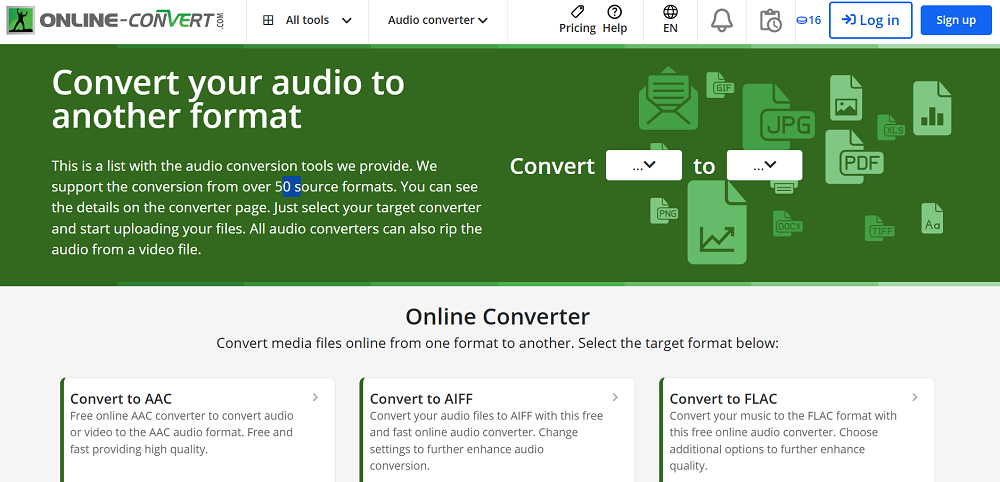
A comprehensive file conversion platform that handles audio alongside video, image, document, and other file types. The audio conversion section supports a broad range of formats and provides detailed output settings that give you control over the conversion parameters.
What I find useful about Online-Convert is the specificity of the output settings. Beyond choosing a format and bitrate, you can adjust audio channels, sample rate, normalize volume, trim the file, and modify other parameters during conversion.
The detailed control is useful when you need the output to meet exact specifications rather than accepting default settings. The platform also supports URL input where you can paste a link to an audio file and convert it directly without downloading it to your machine first.
- Detailed Settings
Granular output controls including bitrate, sample rate, channels, volume normalization, and trimming let you configure the conversion precisely. The parameter depth exceeds what most free converters offer, which matters when your output needs to meet specific technical requirements.
- URL Input
You can convert audio from a URL without downloading the file to your machine first. The URL input is convenient when the source file is hosted online and you want to convert it directly rather than downloading and re uploading.
- Multi Format
The platform handles audio, video, image, and document conversion, making it a single destination for various file conversion needs. The multi format capability means you bookmark one tool rather than maintaining separate converters for different file types.
8. HappyScribe
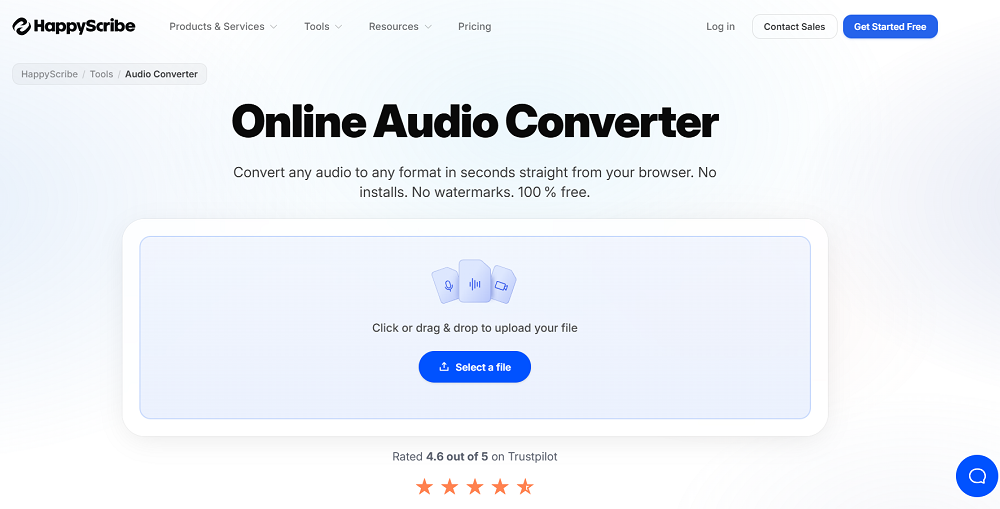
Known primarily as a transcription and subtitle service, this platform includes audio conversion tools as part of its broader audio and video processing capabilities. HappyScribe handles format conversion alongside its core transcription features, which is practical for podcasters and content creators who need both services.
For podcasters specifically, HappyScribe’s combination of transcription and audio conversion addresses two common needs from a single platform. You might need to convert a podcast recording from WAV to MP3 for distribution and generate a transcript for show notes and accessibility, and handling both from the same service simplifies the workflow. The conversion feature itself is straightforward and handles the common audio formats that content creation requires.
- Transcription Combo
Audio conversion sits alongside professional transcription services, letting you convert and transcribe audio from the same platform. The combination addresses two common content creator needs without requiring separate tools.
- Content Focus
The conversion tools are designed for content creators, podcasters, and video producers rather than general file conversion users. The content creation focus means the supported formats and workflows are relevant to media production.
- Format Support
Common audio and video format conversion handles the practical needs of content creation and distribution. The format range covers what podcasters and video creators encounter in their regular workflows.
- Cloud Processing
All conversion happens on the server without requiring software installation, and the processing works on any device with a web browser. The cloud based approach is convenient for content creators who work across multiple devices.
9. AVS Free Audio Converter
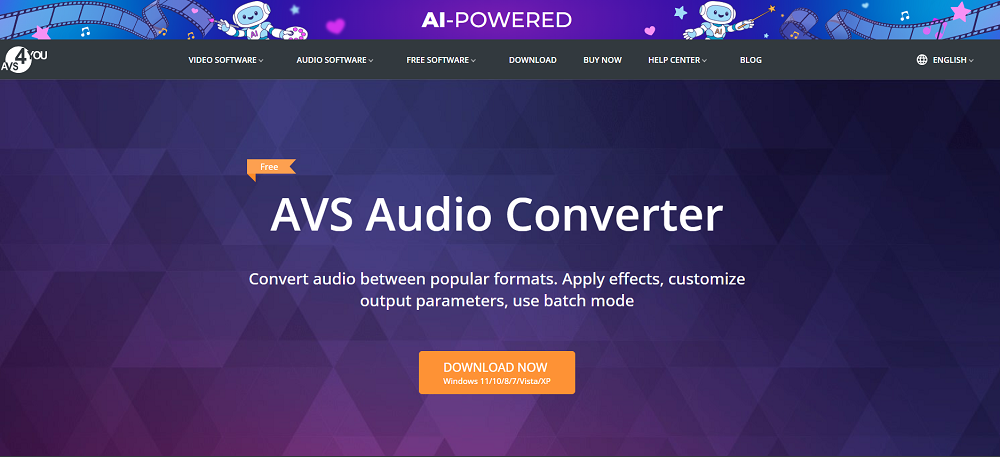
A desktop application rather than a web tool, this converter provides local audio conversion with support for a broad range of formats and the ability to process files without an internet connection. AVS Free Audio Converter handles batch conversion of multiple files, which is its primary practical advantage over online tools that process files one at a time.
The desktop approach makes AVS useful for situations where you’re converting a large number of files or working with content you don’t want to upload to a third party server. The batch processing handles entire folders in a single operation, converting every file to your chosen format with consistent settings. The interface is more traditional desktop software than a modern web tool, but the functionality is solid and the conversion quality is reliable. For Windows users who regularly convert audio files in bulk, having a dedicated desktop application is more efficient than using web tools repeatedly.
- Batch Conversion
Process entire folders of audio files in a single operation, converting every file to your chosen format with consistent settings applied across all files. The batch capability is the primary advantage over online tools that require you to upload and process files individually.
- Local Processing
All conversion happens on your machine without uploading files to external servers. The local approach provides privacy for sensitive content and eliminates the upload/download bottleneck that online converters impose on large files.
- Format Breadth
Support for MP3, WAV, FLAC, M4A, WMA, OGG, AAC, AMR, and many other formats handles virtually any conversion scenario you’ll encounter. The format support is comprehensive enough for professional audio production workflows.
- Offline Operation
The application works without an internet connection, which is useful when you’re traveling, working in a location with poor connectivity, or simply prefer tools that don’t depend on external servers.
- Profile Presets
Conversion presets for different devices and use cases (smartphone, tablet, music player, podcast distribution) let you select the appropriate output settings without manually configuring technical parameters for common scenarios.
10. Aiseesoft
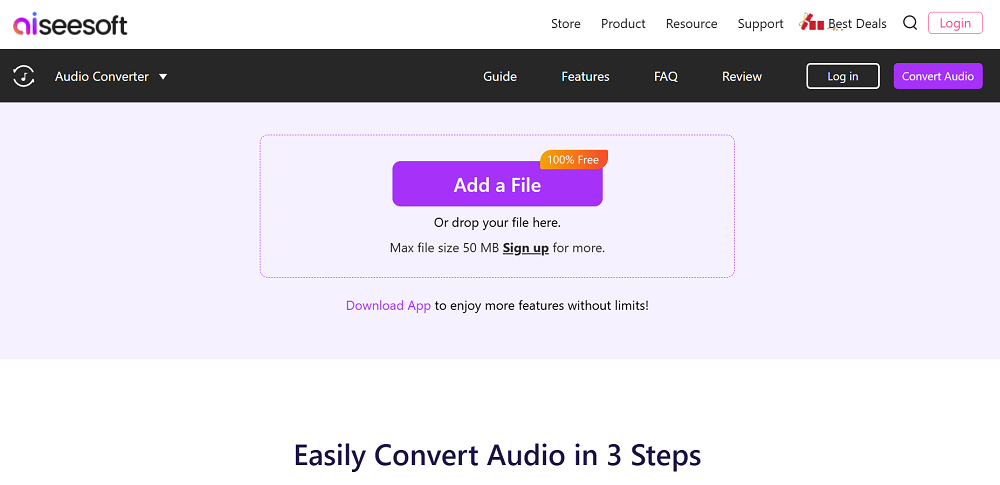
Part of a broader software suite that includes video, audio, and data tools, this converter provides audio format conversion through both online and desktop versions.
Aiseesoft supports a wide range of audio formats and provides quality settings that let you control the output parameters for different use cases.
The availability of both online and desktop versions gives you flexibility in how you access the conversion. The online version works for quick, occasional conversions where you don’t want to install software.
The desktop version handles larger files, batch processing, and situations where you need consistent access without relying on a web connection. The conversion quality is reliable across both versions, and the format support covers the practical needs of music production and content creation.
- Dual Access
Both online and desktop versions provide the same conversion capabilities through different access methods. The online version works for quick tasks. The desktop version handles larger files and batch processing without uploading to external servers.
- Format Support
Conversion between dozens of audio formats handles virtually any format combination you’ll encounter in production or distribution workflows. The format range is comprehensive enough for professional use.
- Quality Settings
Adjustable bitrate, sample rate, and encoder settings let you control the output quality precisely. The settings ensure your converted files meet the specific requirements of different platforms and use cases.
- Video to Audio
The ability to extract audio from video files and convert it to your chosen audio format is useful for content creators who need to repurpose audio from video content. The video extraction saves the step of using a separate tool to strip the audio before converting.
11. Restream
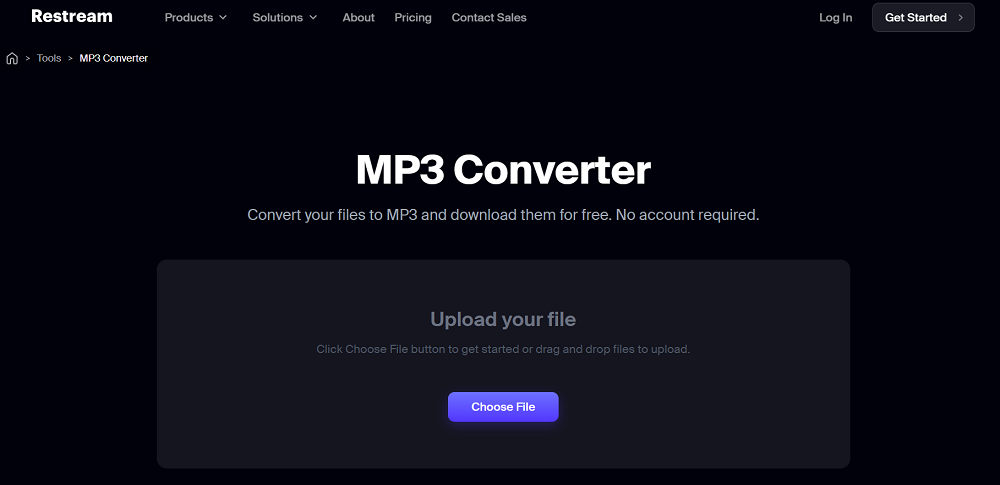
Primarily a live streaming platform that lets you broadcast to multiple services simultaneously, this service includes audio and media conversion tools as part of its content creation toolkit. The audio conversion is secondary to the streaming functionality but useful for content creators who are already using the platform.
The reason I include Restream on a converter list is the content creator context. If you’re a streamer or podcaster who uses Restream for broadcasting, having conversion tools within the same platform you already use is more convenient than switching to a separate service. The conversion handles the common audio formats that streaming and podcast workflows require, and the processing is competent for the practical conversion tasks that content creators encounter.
- Streaming Context
The conversion tools exist within a live streaming platform, which means they’re designed for the specific format and quality needs of streaming and content creation workflows.
- Content Integration
For existing Restream users, the conversion tools add functionality to a platform you’re already using. The integration eliminates the need to switch between separate services for different tasks in your content creation workflow.
- Common Formats
Support for the audio formats relevant to streaming and podcast production handles the practical conversion needs of the platform’s target audience.
- Cloud Based
All processing runs on Restream’s servers, which means your local hardware doesn’t affect the conversion speed or capability. The cloud processing works consistently regardless of what device you’re accessing the platform from.
- Multi Platform
The streaming platform supports broadcasting to multiple services simultaneously, and the conversion tools prepare content for the format requirements of different streaming and distribution platforms.
- Free Tier
A free usage tier provides access to basic features including the conversion tools without requiring a paid subscription. The free access lets you evaluate the platform before committing financially.
12. AudioConvert.AI
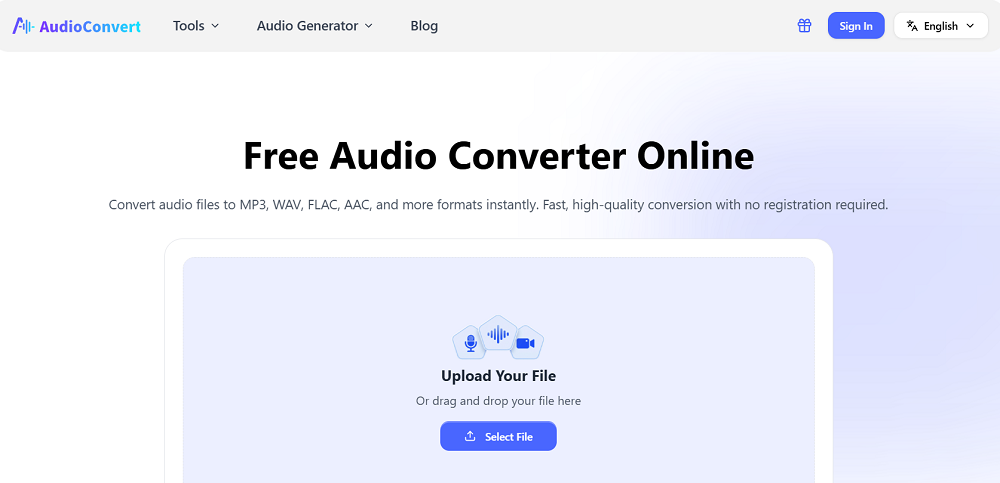
Applying AI processing to audio conversion, this platform goes beyond simple format changing to include intelligent audio enhancement alongside the conversion process. AudioConvert.AI can improve audio quality during conversion using AI algorithms that address noise, clarity, and tonal balance.
The AI enhancement component is what distinguishes this from standard converters. When you convert a file, the AI can simultaneously reduce noise, enhance clarity, and optimize the audio quality for your intended use case.
For content creators working with recordings that need both format conversion and quality improvement, handling both in a single step is more efficient than converting in one tool and enhancing in another.
The enhancement is optional, so you can use it as a pure format converter when you don’t need the AI processing.
- AI Enhancement
Optional AI audio processing during conversion can improve noise, clarity, and tonal quality alongside the format change. The enhancement addresses common audio quality issues without requiring a separate processing tool.
- Format Conversion
Standard audio format conversion handles the common formats alongside the AI enhancement features. You can use the tool for pure format conversion when enhancement isn’t needed.
- Quality Options
Adjustable output quality settings let you balance file size against audio quality for your specific use case. The settings ensure you get the right quality for whether you’re creating a compressed file for web distribution or a high quality file for production use.
13. CloudConvert
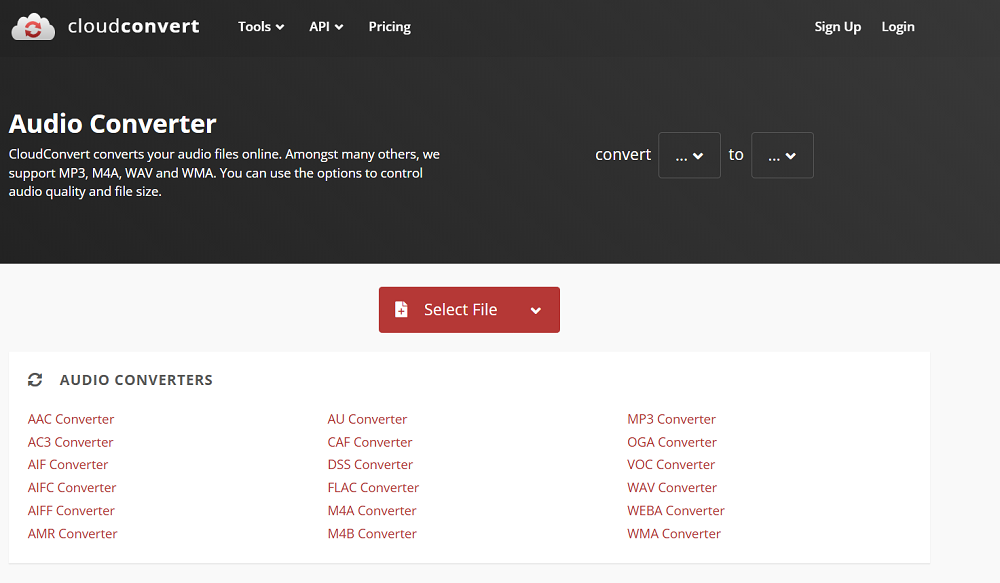
A comprehensive file conversion platform that handles over 200 file formats across audio, video, image, document, and other categories. The audio conversion section of CloudConvert provides reliable format conversion with adjustable output settings and an API for automated workflows.
The breadth of CloudConvert is its defining characteristic. You won’t find a file type this platform can’t handle, which makes it practical as a single bookmarked tool for any conversion task rather than maintaining separate converters for different file types. The audio conversion quality is reliable, the output settings provide enough control for most needs, and the API access on the free tier lets developers and power users integrate conversion into automated workflows.
- 200+ Formats
Support for over 200 file formats across all categories means CloudConvert handles virtually any conversion task you’ll ever encounter. The format breadth is unmatched by any other free converter, and you’ll never need to search for a tool that supports an unusual file type.
- API Access
A conversion API is available for programmatic access, letting developers integrate audio conversion into custom workflows, scripts, and applications. The API extends the platform’s utility beyond manual browser use.
- Quality Settings
Adjustable bitrate, codec, sample rate, and channel settings provide precise control over the conversion output. The parameter control ensures your output meets specific technical requirements rather than defaulting to generic settings.
- Cloud Storage
You can import files from and export results to Google Drive, Dropbox, OneDrive, and other cloud storage services. The cloud integration streamlines the workflow when your files are stored in cloud services rather than on your local machine.
14. Audio-Convert.com
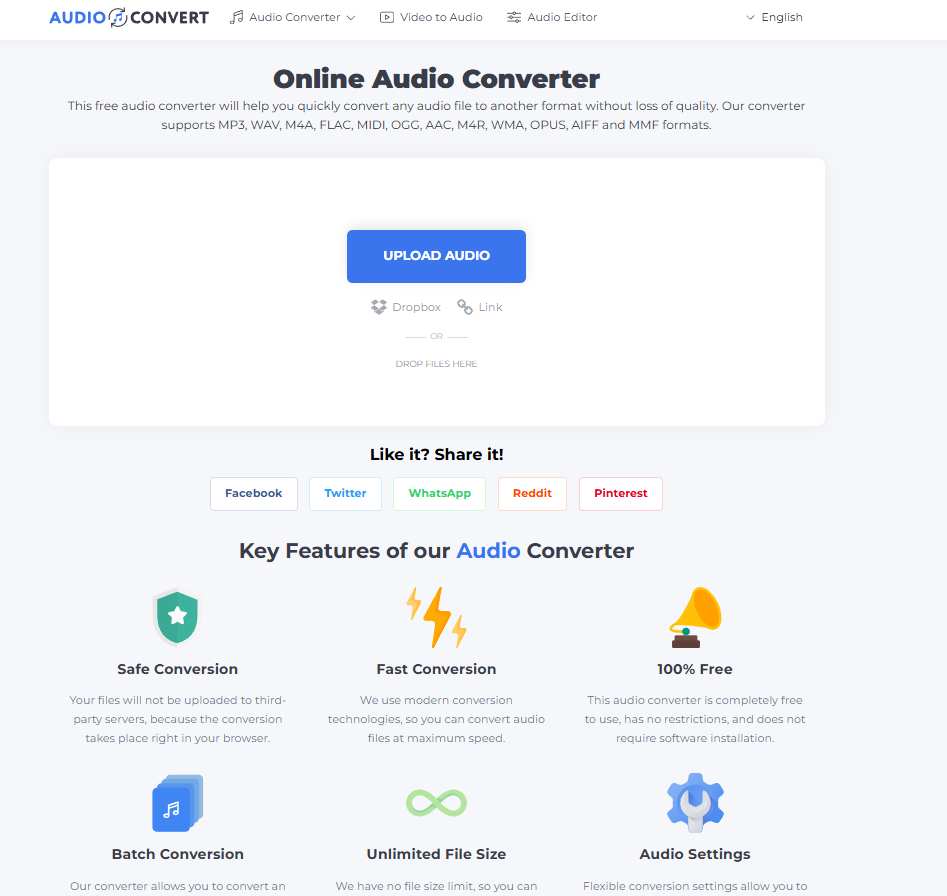
A focused, no frills online audio converter that handles the basic conversion task without the additional features and complexity that larger platforms introduce. The site converts between common audio formats with a minimal interface designed for speed rather than flexibility.
The appeal of Audio-Convert.com is the absolute simplicity of the experience. There are no advanced settings to configure, no accounts to create, and no advertising to navigate. You upload a file, choose the output format, and download the result. For users who need occasional, straightforward format conversions and don’t want to evaluate features they’ll never use, the stripped down approach gets the job done with minimum friction.
- Minimal Interface
The stripped down design provides upload, format selection, and download without any additional controls or features. The simplicity makes it the fastest path from input to output for basic conversions where default quality settings are acceptable.
- No Account
You can convert files without creating an account, entering an email, or completing any registration. The zero barrier access means you use the tool immediately without any setup commitment.
- Common Formats
Support for MP3, WAV, FLAC, OGG, AAC, and other standard formats covers the conversions that most users need most of the time. The format range handles practical needs without claiming to support every obscure codec.
- Quick Processing
Conversions complete quickly for standard file sizes, returning results within seconds to minutes depending on the file length. The processing speed matches or exceeds most online converters.
- Browser Based
The converter runs entirely in your browser on any device without software installation. The web based approach works on desktop, mobile, and tablet without platform specific requirements.
Bonus: Convertio
Closing with one of the most versatile online conversion platforms available, Convertio handles audio alongside video, image, document, font, presentation, and dozens of other file categories through a polished, well designed interface.
The audio conversion supports a comprehensive range of formats with adjustable quality settings.
What makes Convertio worth bookmarking is the combination of format breadth, interface quality, and reliable conversion across every file category. The platform handles more than 300 format combinations, and the audio conversion section provides the quality settings you need without burying them in a complex interface.
The cloud storage integration (Google Drive, Dropbox) and the clean drag and drop interface make the upload and download process smooth. For a free tool that handles virtually any conversion you’ll ever need, Convertio is consistently one of the best options available.
- 300+ Formats
Support for over 300 format conversions across all file categories makes Convertio one of the most comprehensive conversion platforms available. The audio section alone covers dozens of format combinations that handle any practical conversion scenario.
- Cloud Integration
Direct import from Google Drive and Dropbox lets you convert files stored in cloud services without downloading them to your machine first. The integration streamlines the workflow for users who keep their files in cloud storage.
- Clean Interface
A polished, modern drag and drop interface makes the upload and conversion process feel smooth rather than utilitarian. The design quality exceeds what you typically expect from a free tool, which makes the experience more pleasant for regular use.

Hello, I’m Viliam, I started this audio plugin focused blog to keep you updated on the latest trends, news and everything plugin related. I’ll put the most emphasis on the topics covering best VST, AU and AAX plugins. If you find some great plugin suggestions for us to include on our site, feel free to let me know, so I can take a look!